

Retro BowlSports
Free browser games
Unblocked Games 66
A football season, a tricky driving course or one more run through space. Find a game you want to play, learn its controls and start here in your browser.
315 games19 collectionsNo installation
Start with a familiar name
View all →Popular games
Drive MadRacing
Tunnel RushSkill
SlopeSkill
Run 3Arcade

Cookie ClickerClicker & incremental
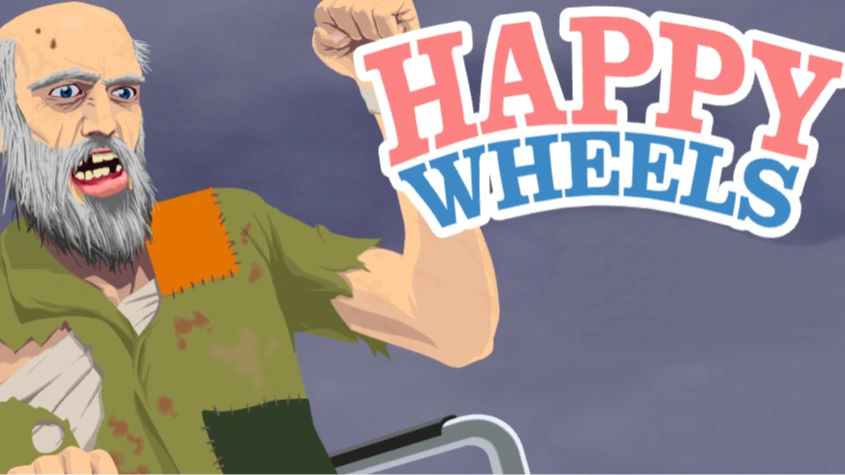
Happy WheelsAction
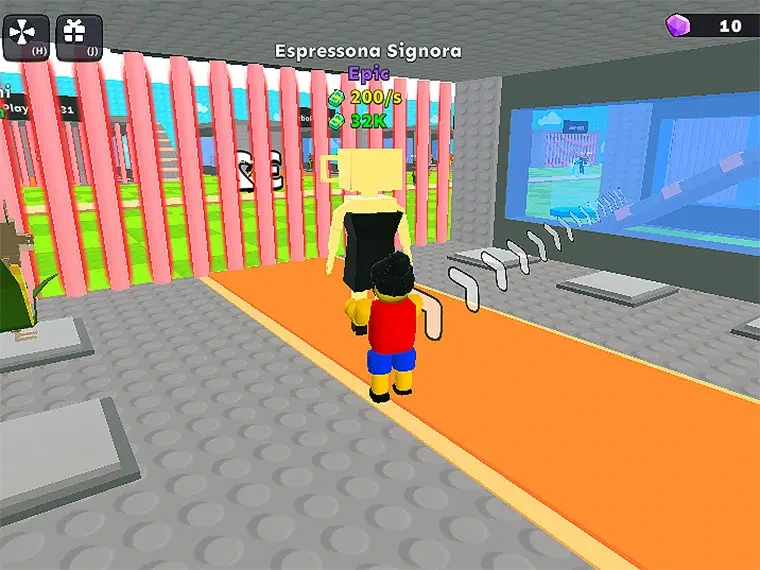
Steal Brainrot Arena2 Player
FNAF Arcade ShowdownArcade

MononinjaArcade
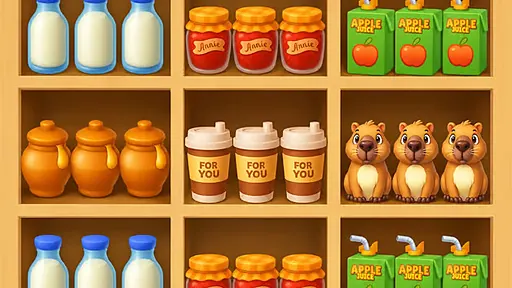
Goods MasterPuzzle

Rocketcar Cup2 Player
Simple inputs
Unblocked Games 66 EZ
Compare the controls and learning curve before choosing your first game.
Find your starting point →A short breakGames at school
Where play is allowed, choose a session with a clear place to stop.
Plan a short session →Choose by gameplayWhat fits your mood?
Find a puzzle to think through, a quick reaction game or shared-device play.
Explore different styles →A wider choice of challenges
View all →More games to explore
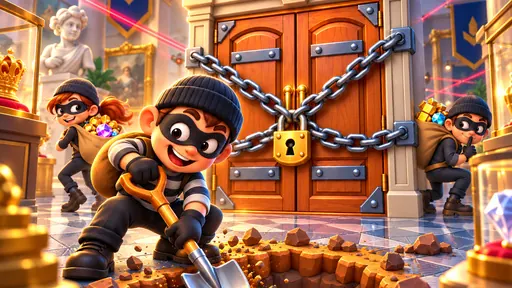
Heist IdleArcade

Offroad Monster Truck GameAdventure
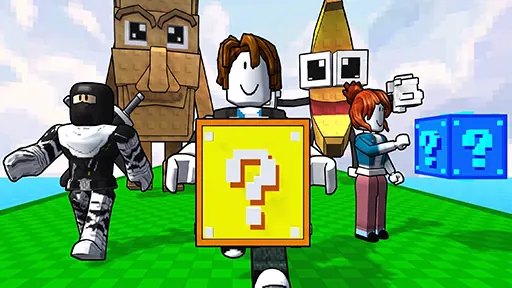
Obby: Lucky Block HeistMultiplayer
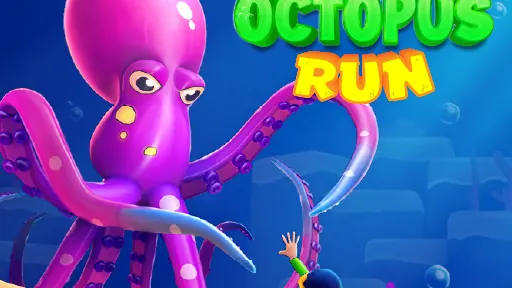
Octopus RunAdventure
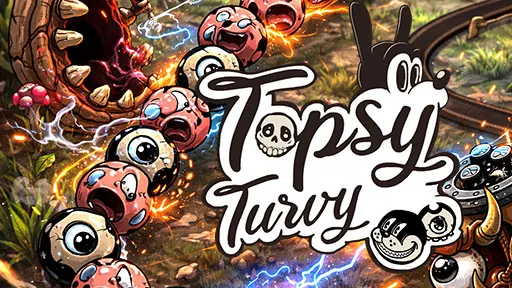
Topsy TurvyPuzzle
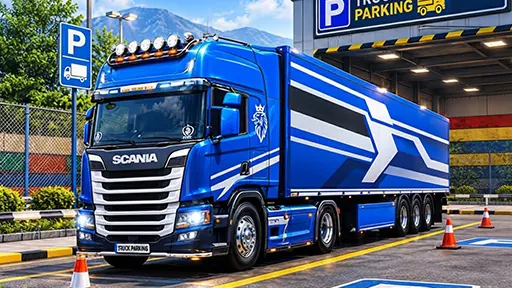
Euro Truck Parking GameAdventure
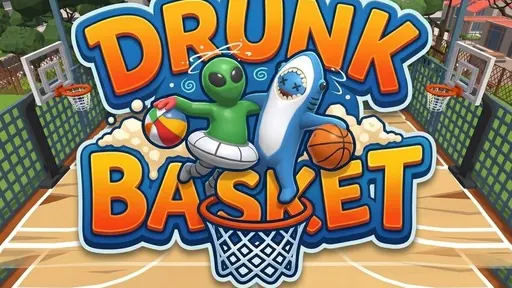
Drunk BasketSports
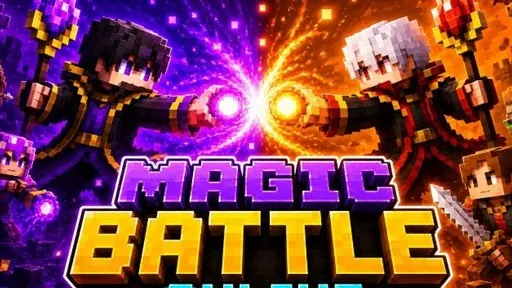
Magic Battle OnlineMultiplayer



Gangster VAdventure
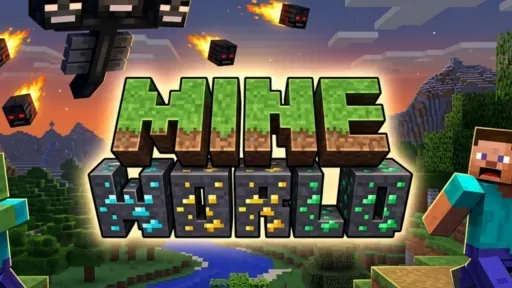
Mine WorldAdventure
Recent additions
View all →New to the catalog

Sheep Simulator Animal GamesAdventure
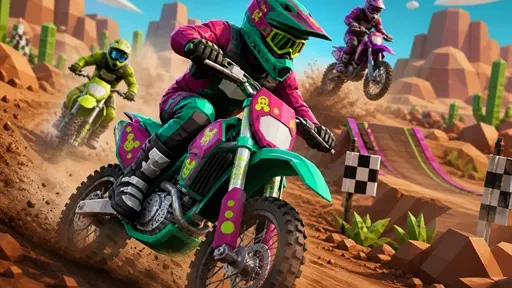
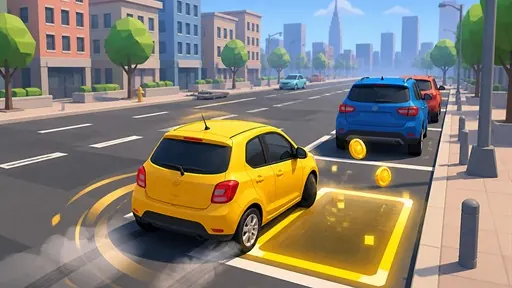
Drive and Park MasterArcade

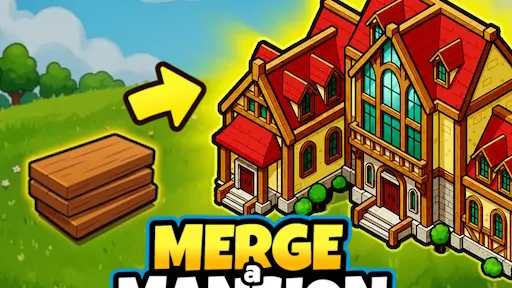
Merge a MansionPuzzle
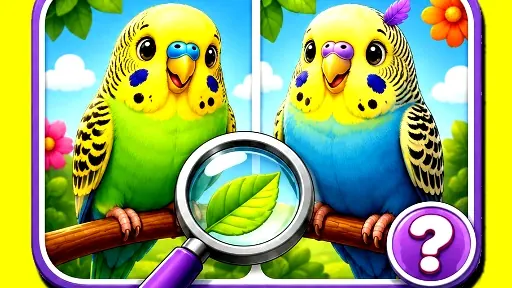
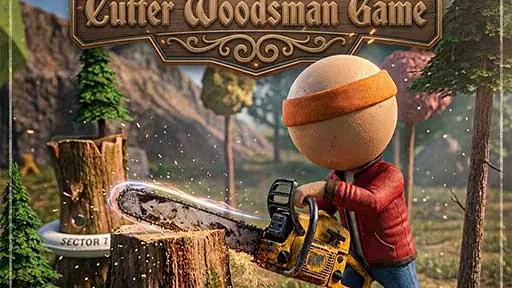
Cutter Woodsman GameAdventure
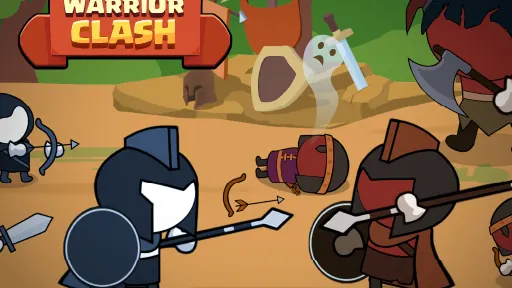
Warrior ClashStickman
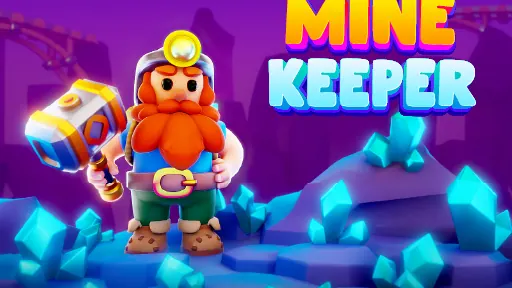
Mine KeeperAdventure

Bee ColonyAdventure

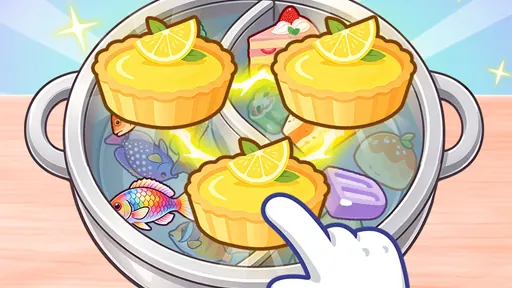
Cozy Sort: Theme CollectPuzzle
What do you want from your next game?
Unblocked Games 66 covers more than one style of play. Some titles keep you moving; others give you time to compare a move or purchase. The best starting point is the task you enjoy, with controls that suit the device in front of you.
| Game | What you will do | Try this first |
|---|---|---|
| Retro Bowl | Control the offense and make team decisions. | Learn a short pass before forcing a long throw. |
| Drive Mad | Balance a vehicle across unusual terrain. | Change your approach to one obstacle. |
| Slope | Steer a rolling ball along a changing course. | Use a short correction and watch its result. |
| Run 3 | Jump through tunnels and use walls as routes. | Find a landing surface in Explore Mode. |
| Cookie Clicker | Develop a bakery with buildings and upgrades. | Read what one purchase changes. |
Simple controls can still lead to a difficult game
Tunnel Rush needs little explanation: move into the gap before the next barrier reaches you. Doing that consistently is the challenge. Drive Mad also begins with a small set of inputs, but the vehicle and course change what those inputs achieve. The EZ collection helps you compare those differences instead of treating every two-key game as easy.
Know which edition you are opening
The Happy Wheels player is a browser demo with cartoon injury and gore. Steal Brainrot Arena is a separate browser game from Roblox’s Steal a Brainrot, and FNAF Arcade Showdown is a fan game. Their pages explain the distinction before you play. The Level Devil and Subway Surfers guides link to the publisher-hosted games and show you their core controls.
Keep a link; check the game for a save
The heart on a card adds that title to Favorites. Recently played helps you return to games you launched in this browser. For a season, inventory or level state, use the game’s own saving options. Cookie Clicker, for example, offers save exports through Options.
Useful answers
What is Unblocked Games 66?
It is an independent browser-game catalog with embedded players, controls and game guides. Start with a familiar title such as Retro Bowl, Drive Mad or Run 3, or browse a category for something different.
Which game is a comfortable place to start?
Cookie Clicker begins with mouse clicks and menu choices. Drive Mad uses forward and reverse inputs. Slope and Tunnel Rush have simple steering controls but ask for quick reactions. Choose by the pace you want, as well as by the number of keys.
Do I need an app, download or Flash plug-in?
The games open in browser players after you press Play. They still download their assets as they load. The selected Run 3 player uses HTML5, and the Happy Wheels demo supplies a browser emulation loader; neither asks for a Flash browser plug-in.
Can I play on a phone or tablet?
Check the individual control list for touch input. Some titles are intended for a keyboard and mouse. Landscape orientation can give a supported game more room, but it cannot replace a control the game needs.
Can I use the games at school?
Only where your school allows games and the device and network can reach their hosts. The at-school guide compares controls and stopping points for a short break. The catalog does not change network restrictions.
Will my game progress be saved?
Saving belongs to the embedded game. Check its own menu before leaving a long session or clearing browser data. Favorites stores a link, while Recently played stores a list of launched titles; neither backs up game progress.
Why is a player blank or not responding?
Press Play, allow time for its first download and click inside the frame before using keyboard controls. If it is stuck, try Reload once. The loading guide helps distinguish a focus problem, a browser setting and an unavailable game host.