Choose simple inputs before choosing a high score
Unblocked Games 66 EZ is a useful starting point when you want a browser game you can understand quickly. The practical question is what your hands will do: click through menus, control a vehicle with two inputs, or steer continuously while the world moves. Pick the input that suits your device and the attention you have available.
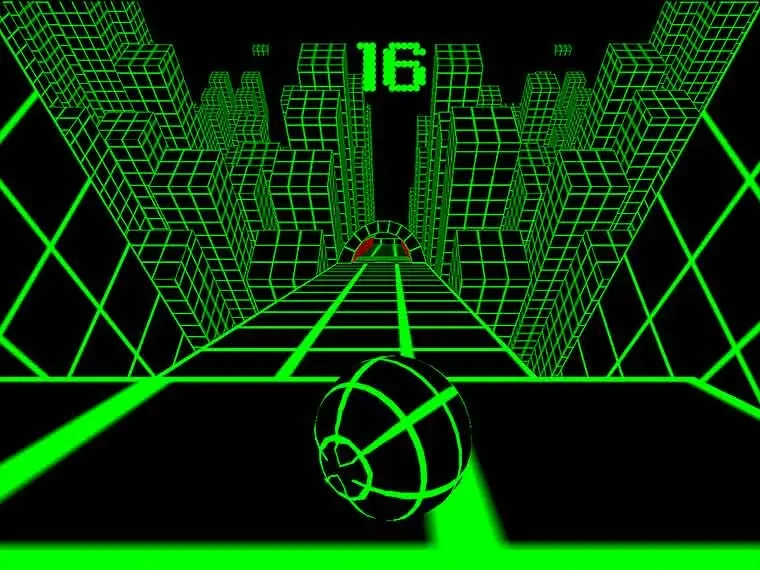
A game with two keys can still be difficult. Slope and Tunnel Rush are easy to explain but demand timely corrections. Cookie Clicker gives you more room to read a purchase, while Retro Bowl combines active plays with decisions about a team. Use the comparison below to choose the kind of session you want.
A quick comparison
| Game | Main input | Useful first goal | Before leaving |
|---|---|---|---|
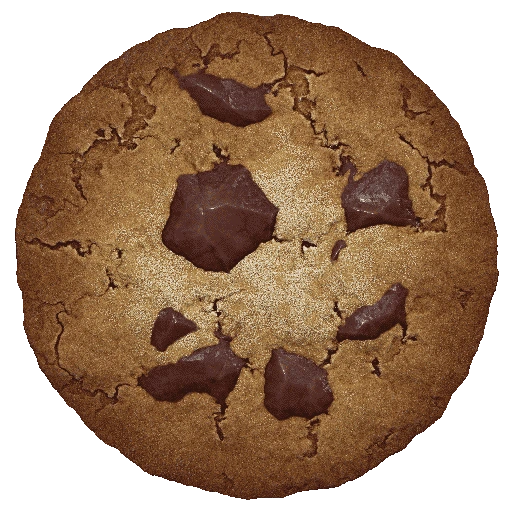
| Cookie Clicker | Mouse-led menus | Learn buildings and upgrades one purchase at a time. | Use Options to make a save export. |
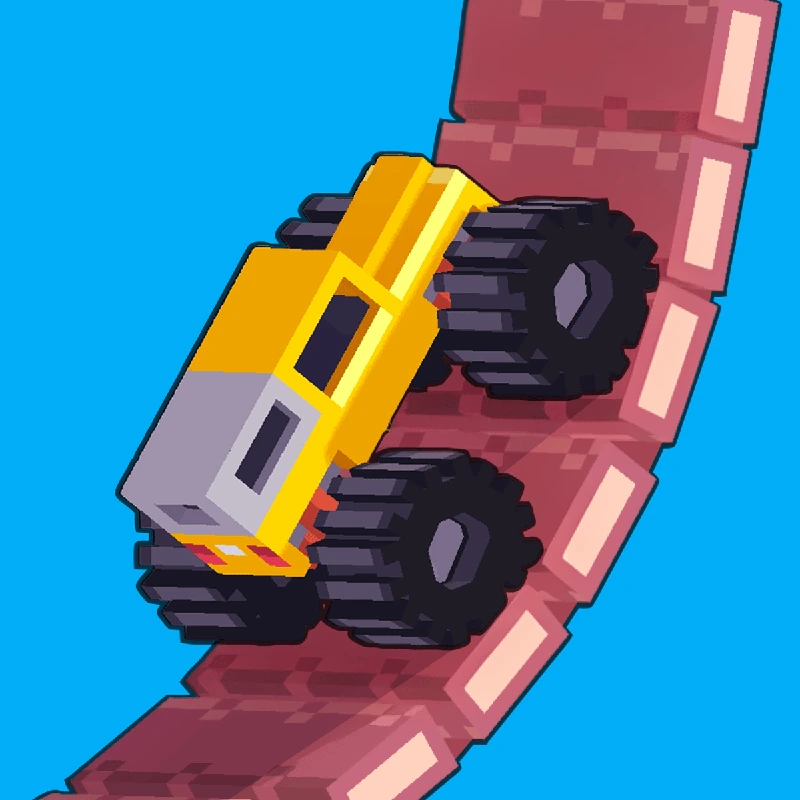
| Drive Mad | Forward and reverse | Practise one obstacle with a controlled approach. | Stop between courses; check the game’s menu. |
| Retro Bowl | Mouse aiming and keyboard actions | Learn a short pass before trying a long throw. | A career takes more attention than one play. |
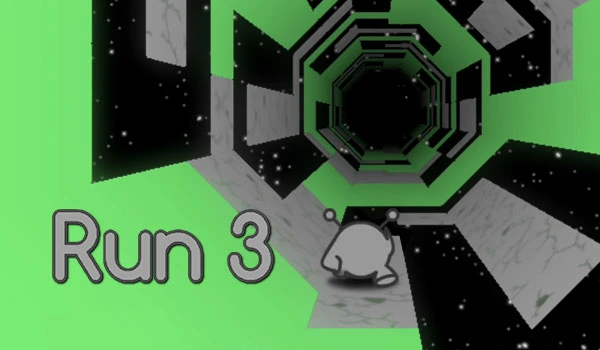
| Run 3 | Movement and jump keys | Explore Mode gives you a route to practise. | Check the current level and save behaviour. |
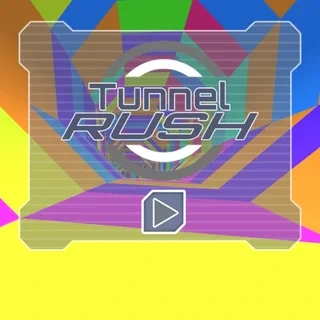
| Tunnel Rush | Left and right steering | Look for the next opening before moving. | Fast movement needs sustained attention. |
| Slope | Left and right steering | Use short corrections on the rolling course. | A run keeps moving; stop between attempts. |
A first-session routine that helps
- Read the control list and click inside the player before trying a keyboard input.
- Choose one small goal: a completed pass, one obstacle crossing, a clean jump or a purchase you understand.
- After a failed attempt, name the mistake before restarting. Change one thing so you can tell what helped.
- Use the game’s own pause and retry controls. The website’s Reload button restarts the embedded player.
- Before leaving a longer session, check the save options inside the game. Favorites keeps a link, not a save.
What the 66, 77, 24h and POD labels tell you
You may see searches written as unblocked games 66/77, 66/77/24h or 66/77/POD. These are portal labels, rather than a universal standard for game versions or access. The useful details are the title, the provider, the controls and the build you are actually loading. This site is an independent catalog; those labels do not imply an affiliation with another portal.
For a short permitted break on a shared device, use the at-school planning guide. For a specific running game, read the Subway Surfers guide. If a permitted player stays blank, the loading checklist explains what to check next.