Browser games · No installation neededLoading help →
Arcade games

Mononinja

Guide a ninja through deadly obstacles, holding the jump input longer when a higher leap is needed.

Ready — press Play
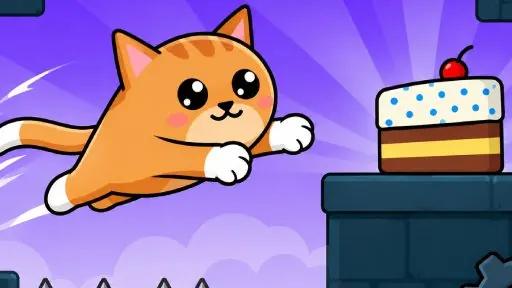
Mononinja game artwork

The game loads after you press Play.

Click inside the player before using keyboard controls.Loading help →
Controls & keys
  • Desktop: press and hold Space to jump.
  • Mobile: tap and hold the screen to jump.
  • Longer holds produce higher jumps.

About Mononinja

Mononinja is a precision platformer with more than thirty levels. Its main control has a clear relationship to the jump: the longer you hold the jump button, the higher the leap. The challenge is therefore choosing the hold that fits the obstacle rather than treating every jump as identical.

Look at the landing as well as the hazard before pressing. A low jump and a high jump solve different spacing problems, so compare the result of each attempt with the route you intended. Adjusting the hold duration gives you a practical way to refine a troublesome leap.
Your first attempt

How to play Mononinja

Inspect the next obstacle and landing. Hold Space on desktop, or hold the screen on mobile, to jump; vary the hold duration to choose the height needed for the route.

Make the next run count

Mononinja tips

  1. Choose the required height before starting the jump.
  2. Change hold duration in small steps after a missed landing.
  3. Watch the landing position instead of focusing only on clearing the obstacle.
Quick answers

Mononinja FAQ

How do I make a higher jump?

Hold the jump input longer.

How many levels are described?

More than thirty.