Browser games · No installation neededLoading help →
Adventure games

Mine World

Mine, build and develop skills in a Minecraft-inspired RPG world, working toward a battle with the Wither in its stronghold.

Ready — press Play
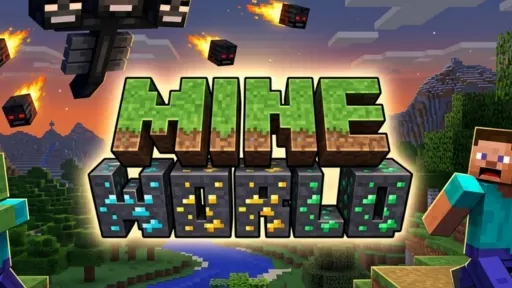
Mine World game artwork

The game loads after you press Play.

Click inside the player before using keyboard controls.Loading help →
Controls & keys
  • WASD: move; Space: jump; Shift: crouch/swim; double-tap W: run.
  • Left Click: mine/attack; Right Click: place/interact.
  • 1–9 or mouse wheel: hotbar; Q: drop item.
  • E: inventory; C: skills; J: quests; M: map.
  • F: information; P: pause; G: save; O: options; Esc: close menu.

About Mine World

Mine World combines block-world building with RPG progression. You can mine, defeat enemies, automate work and improve skills while exploring an open world and building a home. Defeating the Wither in its battle stronghold is the stated completion objective.

The interface gives mining and placement separate mouse buttons, with inventory, skills, quests and map on dedicated keys. Learn those distinctions before starting a larger building project or expedition. Quests and the map help orient a journey, while the inventory lets you check what you have before traveling toward a difficult encounter.

Your first attempt

How to play Mine World

Move with WASD, use left click to mine or attack and right click to place or interact. Check the inventory, quests and map, build up your skills, and prepare for the Wither stronghold objective.

Make the next run count

Mine World tips

  1. Check inventory and quests before starting a longer expedition.
  2. Keep frequently used tools on convenient hotbar positions.
  3. Distinguish attack/mining from placement before working near a structure you want to keep.
Quick answers

Mine World FAQ

What is the completion objective?

Defeat the Wither in its battle stronghold.

How do I open the map and quests?

M opens the map and J opens quests.