Browser games · No installation neededLoading help →
Racing games

Drive Mad

Control the throttle and reverse a blocky vehicle across uneven courses. Staying upright matters more than holding the accelerator.

Ready — press Play
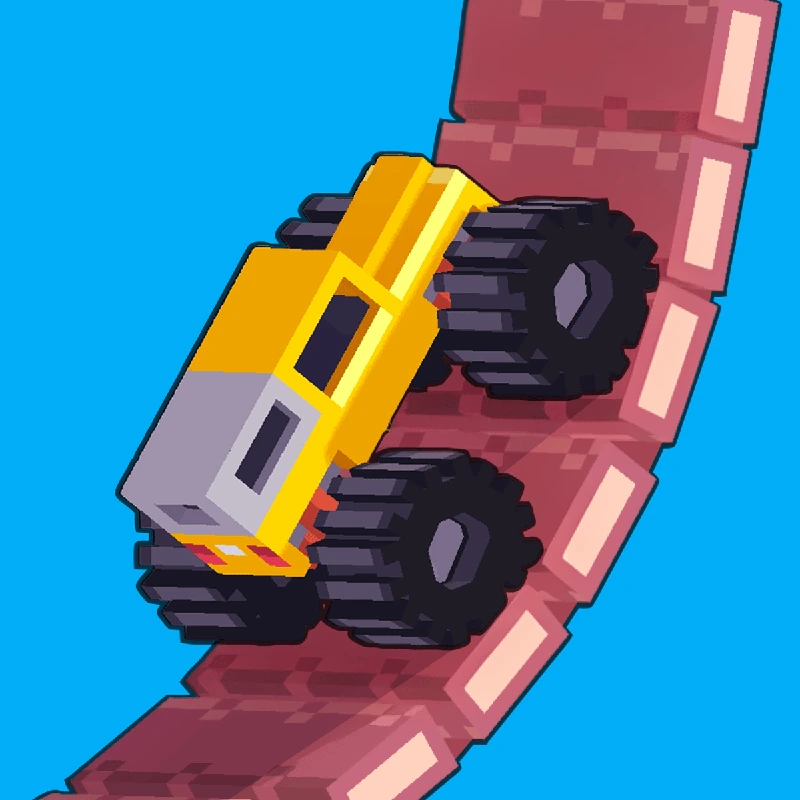
Drive Mad game artwork

The game loads after you press Play.

Click inside the player before using keyboard controls.Loading help →
Controls & keys
  • Forward / reverse: Use the two vehicle controls displayed by the game.
  • Keyboard: Directional keys are supported by the Fancade web player; check the stage’s input prompts.
  • Mouse or touch: Press the on-screen vehicle buttons where supported.
  • In-game restart / pause: Use the player’s menu controls for another attempt.

About Drive Mad

Drive Mad is a driving puzzle built around a small set of inputs and a vehicle that can easily become unbalanced. You travel along the course using forward and reverse controls, dealing with slopes, gaps and unusual obstacles. There is no ordinary left-right steering route to plan; the main decisions concern motion, angle and timing.
### Use power in short, useful bursts

Holding the accelerator can create a problem before the next obstacle arrives. A slope changes the vehicle’s angle, a take-off changes its balance and a landing can undo the progress of a careful approach. Try a short burst of power, observe the response and then decide whether more is needed.

Think of the throttle as a way to shape the next part of the movement, rather than a button that must remain held until the finish. The most useful input can be letting the vehicle settle.
### Plan a landing as well as a take-off

When a jump fails, look at the vehicle at the moment it touches down. Reaching the far platform is not enough if the car lands at an angle it cannot recover from. On the next attempt, change the approach speed or the timing of a forward/reverse input so the landing is easier to control.
### Treat each course as a separate problem

An input pattern that helped on the previous stage may be wrong on the next one. Observe the new vehicle and terrain first, then try the smallest useful movement. Use the game’s stage and restart controls instead of reloading the whole iframe every time you want another attempt.


Your first attempt

How to play Drive Mad

Press Play, start a course and learn which on-screen control drives forward and which reverses. The Fancade web player supports keyboard and mouse input; use the displayed vehicle controls, with directional keys as an available keyboard input.

Make the first movement slowly enough to see how the vehicle tips and settles. Approach a difficult section, test one short input and observe the result. If the car flips, restart the stage and adjust the part of the approach that caused it. Crossing a course upright is the aim; there is no benefit in repeating an uncontrolled full-throttle run.

Make the next run count

Drive Mad tips

  1. Release the throttle before a rough landing when the car needs time to settle.
  2. Build only the speed needed for the next obstacle.
  3. Use the reverse input deliberately; it can change the vehicle’s balance as well as its direction.
  4. Watch the landing angle after a failed jump instead of judging only how far the car travelled.
  5. Restart inside the game to practise a stage without reconnecting the entire player.
One focused session

A one-obstacle driving drill

  1. Approach the obstacle with a controlled speed.
  2. Try one throttle pattern and watch the take-off and landing.
  3. Decide which part failed: approach, balance or touchdown.
  4. Change only that part on the next attempt and keep the useful pieces of the route.

Common mistakes and what to try

What went wrongA useful adjustment
Holding forward through every sectionUse shorter inputs and give the car a chance to settle before the next uneven surface.
Correcting too late in the airLook at the angle early enough to make a small adjustment before touchdown.
Copying a previous stage’s inputsRecheck the vehicle and terrain when a new course starts; similar-looking sections can behave differently.
Quick answers

Drive Mad FAQ

What is the goal in Drive Mad?

Reach the course’s finish with the vehicle under control. The challenge comes from the terrain and the vehicle’s balance.

Can I steer the car like a normal racing game?

Drive Mad centres on forward and reverse inputs rather than an ordinary steering track. Read the displayed controls before starting.

Why does my car flip when I accelerate?

Power, terrain and the vehicle’s current angle interact. Reduce the approach speed and compare a shorter throttle input on the next attempt.

Is every stage solved by going faster?

No. A gap can require momentum, while another section is easier with a slower approach or a pause to let the vehicle settle.

Should I use the website’s Reload button after losing?

Use the game’s own restart when it is working. Reload is intended for a player that is stuck or needs to reconnect.