Browser games · No installation neededLoading help →
Action games

Happy Wheels

Guide a ragdoll character and vehicle through obstacle courses, balancing movement and character-specific actions. Contains cartoon injury and gore.

Ready — press Play
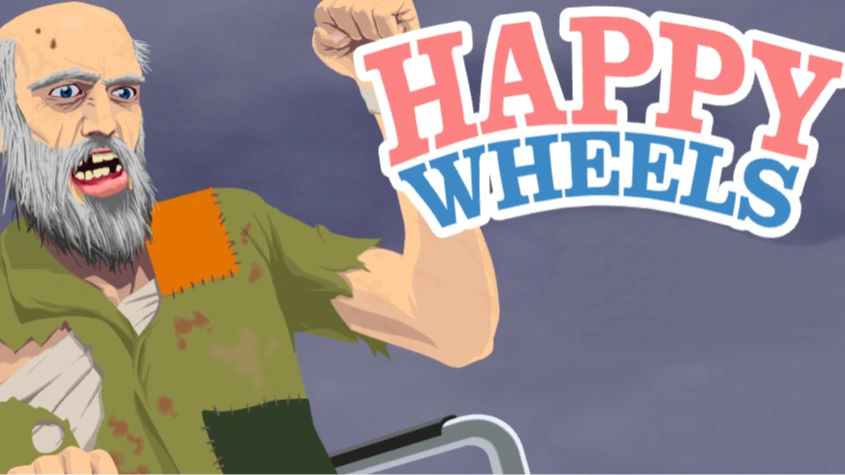
Happy Wheels game artwork

The game loads after you press Play.

Click inside the player before using keyboard controls.Loading help →
Controls & keys
  • Arrow keys: Move and control the selected character or vehicle.
  • Space: Character-specific primary action, as shown by the game.
  • Ctrl / Shift: Secondary actions where supported by the selected character.
  • Mouse: Choose the demo’s available levels and characters.

About Happy Wheels

Happy Wheels is a physics obstacle-course game in which the character and vehicle can react badly to a careless movement. Reaching the next platform is only part of the task: the angle and speed at which you arrive can decide whether you continue. The game includes cartoon injury and gore, so choose a different title if that is not the experience you want.
### Learn the vehicle before treating the course as a race

Different characters and vehicles can make the same obstacle feel different. Use a short opening attempt to learn how the selected vehicle accelerates, leans and responds to its special action. A controlled approach is more useful than copying another character’s movement exactly.
### Change the approach to the obstacle

After a failed attempt, look at the last point where you still had control. Was the entry too fast? Was the vehicle leaning in the wrong direction? Did you use a special action before there was room for it? Adjust that part of the route rather than immediately holding every control harder.
### Understand the version in this player

The embedded publisher player serves a browser demo through a Flash-emulation loader. It does not require you to install a Flash plug-in, and it should not be assumed to contain every level or feature of the full current release. Use the demo’s own level and character menus to see what is available.
Your first attempt

How to play Happy Wheels

Start the browser player and select a character or course from the options it offers. Use the arrow keys for movement, with Space and any displayed secondary controls for character-specific actions. Take a moment to learn the chosen vehicle before attempting a difficult section.

When you fail, use the game’s own retry controls and compare a different approach speed or lean. Keep the character and obstacle the same while testing that change. If the entire player stops responding, use the site’s Reload button rather than confusing a game loss with a loading problem.

Make the next run count

Happy Wheels tips

  1. Learn the vehicle’s response on a safe stretch before committing to a difficult jump.
  2. Judge the angle at touchdown as well as the distance travelled.
  3. Use a special action when it solves a visible obstacle, rather than continuously.
  4. Keep the same character while comparing two attempts at a section.
  5. Check the demo’s menu for available content instead of expecting every full-release feature.
One focused session

A controlled obstacle attempt

  1. Pick one obstacle and approach it at a speed you can observe.
  2. Watch the position and lean of the vehicle immediately before failure.
  3. Change the entry speed or angle while keeping the character the same.
  4. Once the crossing works, practise it again before trying to make it faster.

Common mistakes and what to try

What went wrongA useful adjustment
Using one control pattern for every characterCheck the selected character’s own actions and vehicle behaviour.
Ignoring the landing angleA platform can be reached but still be unsafe if the vehicle touches down badly.
Looking for all full-release levels in a demoUse the content listed by this player; the full release is a separate source of features.
Quick answers

Happy Wheels FAQ

Which Happy Wheels version is embedded?

The selected publisher player uses a browser demo served through an emulation loader. It should not be treated as the full current release.

Do I need to install Flash?

No. The selected browser player supplies its own emulation loader rather than asking for a Flash browser plug-in.

Do all characters have the same actions?

No. Follow the selected character’s controls for the meaning of Space and any secondary inputs.

Why does a jump fail even when I reach the platform?

Speed, vehicle angle and the touchdown can still make the landing unsafe. Change the approach rather than measuring only distance.

Is this a gentle obstacle game?

No. Happy Wheels includes cartoon injury and gore. For a different style of precision challenge, try Mononinja or Drive Mad.