Browser games · No installation neededLoading help →
Adventure games

Car Parking Game: Parking Jam

Drive through tight parking layouts and avoid obstacles while carefully positioning cars in their parking spots.

Ready — press Play
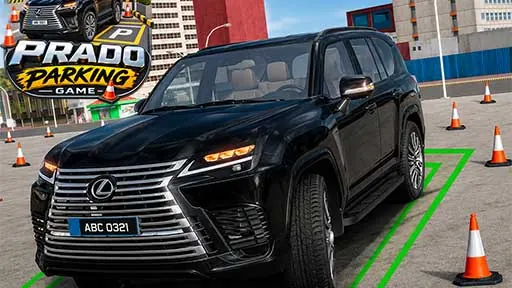
Car Parking Game: Parking Jam game artwork

The game loads after you press Play.

Click inside the player before using keyboard controls.Loading help →
Controls & keys
  • W or Up arrow to move forward; S or Down arrow to move backward.
  • A or Left arrow to steer left; D or Right arrow to steer right.

About Car Parking Game: Parking Jam

Car Parking Game: Parking Jam is a driving-and-parking challenge set in layouts with limited space. Take control of the car, navigate around obstacles and find the right parking position without crashing. Forward, backward and steering inputs let you make considered adjustments as you approach the space.

Plan the approach before entering a tight area. Check the room needed for both the front and rear of the car, and use backward movement when it gives you a clearer alignment. A small correction made early is easier to judge than a last-moment turn beside an obstacle.


Your first attempt

How to play Car Parking Game: Parking Jam

Use WASD or the arrow keys to move and steer. Navigate the parking layout, make any needed forward or backward adjustments and place the car in its parking spot without a collision.

Make the next run count

Car Parking Game: Parking Jam tips

  1. Inspect the parking approach before entering the tight space.
  2. Watch the rear of the car when reversing.
  3. Make alignment changes while there is still clearance around the vehicle.
Quick answers

Car Parking Game: Parking Jam FAQ

How do I move the car?

Drive and steer with WASD or the arrow keys, using forward or backward movement as needed.

What makes the parking difficult?

The levels use tight spaces, obstacles and limited room for positioning.