

Browser games · No installation neededLoading help →
Racing games

Upgrade the CARS

Steer through positive gates to improve your car, avoid negative gates, and turn successful runs into garage progress.

Ready — press Play
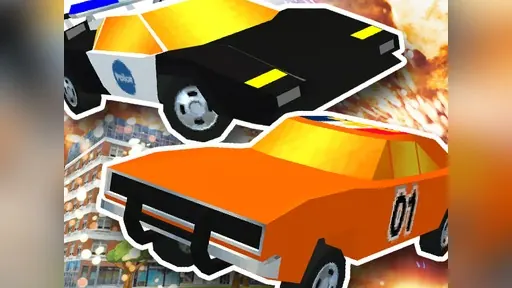
Upgrade the CARS game artwork

The game loads after you press Play.

Click inside the player before using keyboard controls.Loading help →
Controls & keys
  • Drag with the mouse or swipe on touch to steer left and right.
  • Use on-screen buttons to buy upgrades, sell cars, and unlock new spots.

About Upgrade the CARS

The gate symbols drive the choices in Upgrade the CARS. Green plus gates improve engine, body, and speed; red minus gates remove upgrades. Your aim is to finish with the strongest car you can assemble and cash it in.

Compare gates before steering toward them, then inspect what the run earned in the garage. Money funds new parking spots, cars, and repainting options. Later road sections introduce giant kaiju and weapons, adding another consideration beyond the gate route. Avoid treating every purchase as interchangeable: read whether it opens storage, adds a vehicle, or changes appearance before spending your earnings.

Your first attempt

How to play Upgrade the CARS

Drag or swipe to steer left and right. Choose green plus gates and avoid red minus gates, reach the end, then use the on-screen buttons to inspect selling, purchases, and new parking spots.

Make the next run count

Upgrade the CARS tips

  1. Read the gate sign before moving into its lane.
  2. Separate garage expansion and cosmetic purchases when planning how to spend money.
  3. Watch for kaiju as the route develops instead of focusing exclusively on gates.
Quick answers

Upgrade the CARS FAQ

How do the gates differ?

Plus gates improve the car, while minus gates strip upgrades away.

What can run earnings fund?

Parking spots, car unlocks, and repainting in the texture shop are described.