Browser games · No installation neededLoading help →
Adventure games

Dino Hunter: Jurassic Hunt

Move through prehistoric surroundings, track dangerous dinosaurs, and use mouse aiming to line up your shots.

Ready — press Play
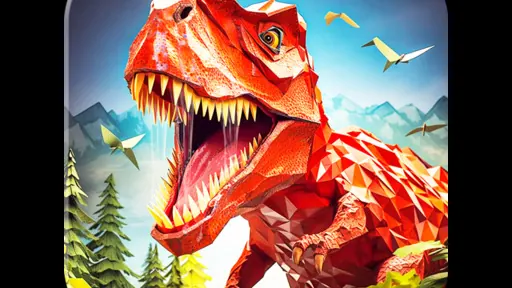
Dino Hunter: Jurassic Hunt game artwork

The game loads after you press Play.

Click inside the player before using keyboard controls.Loading help →
Controls & keys
  • WASD: move.
  • Mouse: aim.
  • Left Mouse Button: shoot.

About Dino Hunter: Jurassic Hunt

Dino Hunter: Jurassic Hunt is a dinosaur-hunting shooter. You move through prehistoric environments and aim at dangerous dinosaurs, with movement on WASD and the mouse handling your aim. The distinction between moving and aiming matters: you can change your position before committing to a shot.

Start by locating a dinosaur and keeping it clearly in view. If the view is awkward, adjust your position instead of repeatedly firing at a poor angle. Use the visible situation to decide when to move and when to aim; careful observation is more useful than assuming every dinosaur behaves the same way.
Your first attempt

How to play Dino Hunter: Jurassic Hunt

Learn the movement keys, locate a dinosaur, and bring it into view with the mouse. Reposition when the view is poor, then use the left mouse button to shoot.

Make the next run count

Dino Hunter: Jurassic Hunt tips

  1. Settle the aim on a visible target before firing.
  2. Move to improve your view when scenery blocks a shot.
  3. Keep track of the dinosaur’s position while changing your own.
Quick answers

Dino Hunter: Jurassic Hunt FAQ

How do I aim and shoot?

Aim with the mouse and shoot with the left mouse button.

What does WASD do?

It moves your character through the hunting environment.