Browser games · No installation neededLoading help →
Racing games

Obby Cart Rush

Ride a minecart through five themed track worlds, braking for signs and improving your finish time for better medals.

Ready — press Play
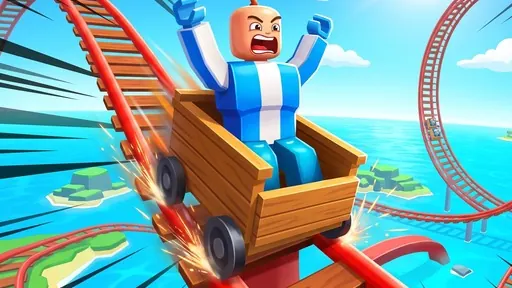
Obby Cart Rush game artwork

The game loads after you press Play.

Click inside the player before using keyboard controls.Loading help →
Controls & keys
  • Desktop: W or Up to accelerate; S or Down to brake; R to restart.
  • Hold to accelerate; release or press Down to brake before speed signs.
  • Mobile: use the on-screen gas and brake controls; landscape play is described.

About Obby Cart Rush

Obby Cart Rush puts a wooden minecart on roller-coaster tracks through Mountain, House, Forest, City and Zoo worlds. Loops and drops are part of the route, but speed signs make it important to choose when to accelerate and when to brake. Reaching the flag quickly earns Bronze, Silver or Gold medals.

Read the sign before judging the next section by appearance alone. The most productive improvement is often braking at a better moment, then returning to acceleration when the track allows it. Use a first run to identify the places that interrupt your progress and a later run to improve those specific transitions.

Your first attempt

How to play Obby Cart Rush

Hold the accelerator or use W/Up to go. Release it or use S/Down to brake before speed signs. Follow the track to the flag, and use R to restart on desktop.

Make the next run count

Obby Cart Rush tips

  1. Brake before the sign rather than after the difficult section begins.
  2. Learn where each track asks for slower movement.
  3. Improve one braking point at a time when chasing a medal.
Quick answers

Obby Cart Rush FAQ

How are medals earned?

The publisher describes Bronze, Silver and Gold medals based on reaching the flag quickly.

Which worlds are included?

Mountain, House, Forest, City and Zoo.