Browser games · No installation neededLoading help →
Clicker & incremental games

Slice It

Swipe across colorful objects, choosing an angle and timing that produces a clean cut through each new layout.

Ready — press Play
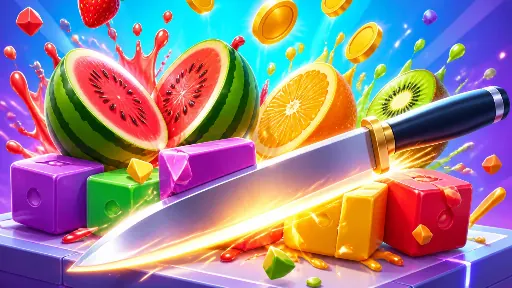
Slice It game artwork

The game loads after you press Play.

Click inside the player before using keyboard controls.Loading help →
Controls & keys
  • Swipe to slice objects.

About Slice It

Slice It is a cutting challenge in which the direction of your swipe matters. Aim at the objects, choose a cutting angle and make the slice at a useful moment. Levels bring new layouts, and completing them earns coins and progress.

Look at the whole shape before cutting through it. The angle that handles one object neatly may be less useful for another arrangement. If a cut is not doing what you intended, change its direction or timing deliberately instead of repeating the same swipe.


Your first attempt

How to play Slice It

Study the layout, choose an angle and swipe to cut the objects. Follow the level’s displayed requirement and complete the cuts needed to clear it.

Make the next run count

Slice It tips

  1. Check the full object shape before choosing the swipe direction.
  2. Use a deliberate angle instead of an arbitrary quick cut.
  3. Change one part of an unsuccessful cut so you can compare the result.
Quick answers

Slice It FAQ

How do I cut an object?

Swipe through it, choosing the angle and timing of the slice.

What do completed levels provide?

The description includes coins and progress earned by clearing levels.