Browser games · No installation neededLoading help →
Racing games

City Car Driver Mega Real Sim

Drive through the game’s environments, follow the on-screen objectives and use the handbrake when a maneuver calls for it.

Ready — press Play
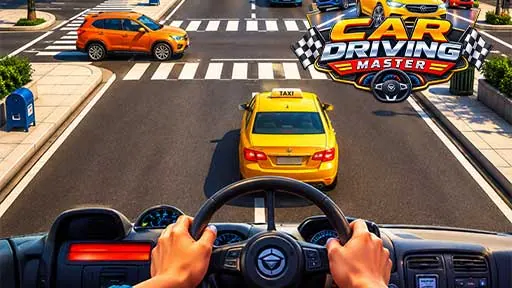
City Car Driver Mega Real Sim game artwork

The game loads after you press Play.

Click inside the player before using keyboard controls.Loading help →
Controls & keys
  • WASD or Arrow keys: drive and steer.
  • Space: handbrake.
  • Use the game menus to select levels or restart.

About City Car Driver Mega Real Sim

City Car Driver Mega Real Sim supplies a straightforward driving layout: WASD or Arrow keys drive and steer, while Space operates the handbrake. The game’s on-screen objectives determine what needs to be done in the current level.

Start by learning the car’s response in the available space before committing to the task. An objective may tell you where to go, but the approach still needs attention. Read the instruction, identify a workable route, and use the restart menu to refine a maneuver that was poorly aligned.
Your first attempt

How to play City Car Driver Mega Real Sim

Read the current on-screen objective, drive with WASD or Arrow keys, and use Space for the handbrake. Select levels or restart through the game menus when needed.

Make the next run count

City Car Driver Mega Real Sim tips

  1. Read the objective before driving away from the starting area.
  2. Learn the steering response before making a tight maneuver.
  3. On a retry, change the approach that caused trouble rather than the whole route.
Quick answers

City Car Driver Mega Real Sim FAQ

What does Space do?

It operates the handbrake.

How do I know the current task?

Follow the on-screen objectives shown by the game.