Browser games · No installation neededLoading help →
Racing games

City Parking Master 3D

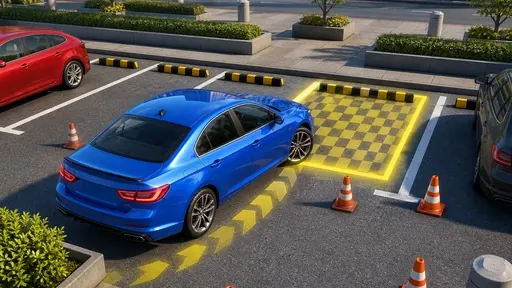
Drive through cones and tight city corners, then brake with the entire vehicle inside the highlighted parking bay.

Ready — press Play
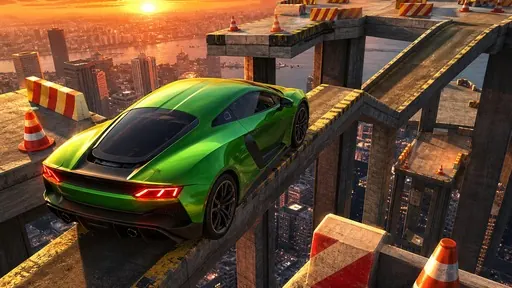
City Parking Master 3D game artwork

The game loads after you press Play.

Click inside the player before using keyboard controls.Loading help →
Controls & keys
  • WASD or arrow keys drive and steer.
  • Space applies the brake.

About City Parking Master 3D

City Parking Master 3D is about the position of the whole car. Following the approach correctly is only part of the job: the vehicle must end fully inside the highlighted bay. Traffic cones and tight corners make the route to that spot a precision task.

Look at the bay’s orientation before the final turn, then use small steering corrections on the approach. Space provides a dedicated brake so you can plan the stop separately from the turn. If the car is not aligned, correct the angle before committing to the final movement into the space. A clean approach is easier to judge than trying to fix position, direction, and speed all at once.
Your first attempt

How to play City Parking Master 3D

Drive and steer with WASD or the arrow keys. Follow the parking guides, avoid cones and corners, then press Space to brake with the entire car inside the highlighted bay.

Make the next run count

City Parking Master 3D tips

  1. Check the bay’s angle before beginning the final approach.
  2. Finish most of the steering adjustment before braking into position.
  3. Judge the whole vehicle’s outline against the highlighted space.
Quick answers

City Parking Master 3D FAQ

How much of the car must fit in the bay?

The entire vehicle must be inside the highlighted parking space.

Which key brakes?

Space.