Browser games · No installation neededLoading help →
Adventure games

Obby Rainbow Parkour Two Player

Cross rainbow obstacle courses alone or with a friend, using jumps, sprinting, and careful landings to reach the finish.

Ready — press Play
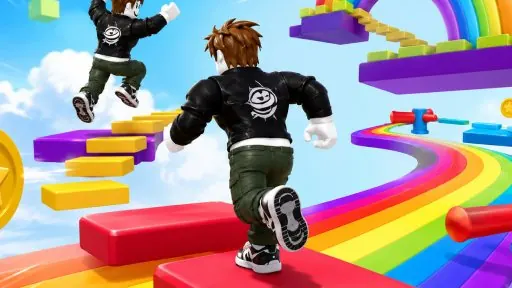
Obby Rainbow Parkour Two Player game artwork

The game loads after you press Play.

Click inside the player before using keyboard controls.Loading help →
Controls & keys
  • Player 1: WASD moves, Space jumps, Shift sprints, and Q shoves.
  • Player 2: Arrow keys move, L jumps, and Shift sprints.

About Obby Rainbow Parkour Two Player

Obby Rainbow Parkour Two Player gives two players room to tackle the same colorful parkour challenge. The goal is straightforward: get through the obstacles and reach the finish. The difficult part is judging the next landing while keeping your movement under control.

Start by learning the difference between an ordinary jump and a jump approached at a sprint. In a shared session, leave enough room for the other player to attempt a narrow section. Player 1 also has a shove action, so agree on how you want to use it before bringing it into a careful jump sequence. You can also play alone when you want to concentrate on the course.

Your first attempt

How to play Obby Rainbow Parkour Two Player

Select solo or two-player play. Try movement and jumping on a safe section, then line up your first obstacle. Cross one landing at a time and keep enough space between players on narrow platforms.

Make the next run count

Obby Rainbow Parkour Two Player tips

  1. Line up the landing before starting a jump rather than correcting everything in midair.
  2. Test sprinting on a roomy section before using it beside an edge.
  3. Agree on the shove action with your partner so it does not interrupt a careful attempt.
Quick answers

Obby Rainbow Parkour Two Player FAQ

Can I play without a second player?

Yes. The game supports playing alone or with a friend.

Which key does Player 2 use to jump?

Player 2 uses L; Player 1 uses Space.