Browser games · No installation neededLoading help →
Puzzle games

Mischievous Pairs

Remember card positions to match pairs or triples, with timed levels and a local two-player mode that can shuffle the board.

Ready — press Play
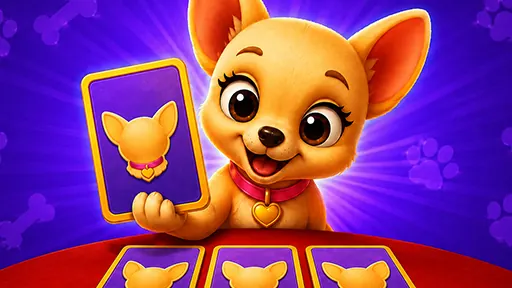
Mischievous Pairs game artwork

The game loads after you press Play.

Click inside the player before using keyboard controls.Loading help →
Controls & keys
  • Mouse click or tap to play.

About Mischievous Pairs

Mischievous Pairs asks you to remember where cards are after turning them over. Some challenges use pairs and others triples, and you need to clear the board before the available time runs out. Hints and Time Refills can help when a difficult layout consumes too much of that time.

Local two-player mode adds a different pressure: a match keeps your turn, but the turn has a ten-second timer and Shuffle Time can change the layout. After a shuffle, rebuild your mental map instead of relying on positions that were correct a moment ago. In either mode, remembering a few exact locations is more useful than a vague impression of the whole board.


Your first attempt

How to play Mischievous Pairs

Choose the mode and inspect how many matching cards the level needs. Reveal cards with clicks or taps, remember their positions, and complete matches before the applicable timer expires.

Make the next run count

Mischievous Pairs tips

  1. Associate a revealed card with a precise row and position.
  2. When a shuffle occurs, treat old positions as unreliable.
  3. Use a hint for a missing match rather than immediately repeating cards you already know.
Quick answers

Mischievous Pairs FAQ

Are all matches pairs?

No. The game includes both pair and triple matching challenges.

What changes in local two-player mode?

Finding matches keeps your turn, turns have a ten-second timer, and Shuffle Time can rearrange the board.