Browser games · No installation neededLoading help →
Quick games

Mice Rush

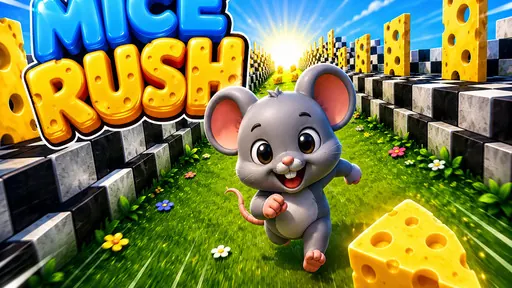
Swipe a running mouse between lanes, dodge barriers, and collect cheese as the endless route gets faster.

Ready — press Play
Mice Rush game artwork

The game loads after you press Play.

Click inside the player before using keyboard controls.Loading help →
Controls & keys
  • Swipe left and right to move.
  • Mouse and touch controls are supported.

About Mice Rush

Mice Rush gives a small mouse an endless route and plenty of cheese to pursue. Left-right movement changes lanes, with barriers interrupting collectible lines and an increasing pace reducing the time to choose.

Read the next lane opening before following cheese into it. A collectible path can be attractive while still ending at a barrier. Establish how a swipe moves the mouse, then focus on choosing a lane early enough to assess the next obstacle.


Your first attempt

How to play Mice Rush

Swipe left or right using the supported mouse or touch interface. Move toward clear lanes, collect cheese where the route is manageable, and dodge barriers as the pace rises.

Make the next run count

Mice Rush tips

  1. Check the lane beyond a cheese pickup before moving into it.
  2. Choose your next clear lane before a barrier reaches the mouse.
  3. Learn one swipe’s movement before making several rapid changes.
Quick answers

Mice Rush FAQ

What does the mouse collect?

Cheese along the running route.

Does the run get faster?

Yes. The speed increases during the endless run.