
Browser games · No installation neededLoading help →
Racing games

Turbo Team Racing

A top-down arcade racer with tight corners, track and weather changes, power-ups and lap-time challenges.

Ready — press Play
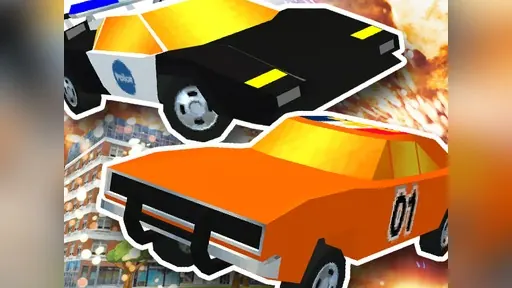
Turbo Team Racing game artwork

The game loads after you press Play.

Click inside the player before using keyboard controls.Loading help →
Controls & keys
  • Desktop: Left/Right arrow keys or A/D to steer.
  • Desktop: Up arrow or W to accelerate; Down arrow or S to brake/reverse.
  • Desktop: N for nitro, if available.
  • Mobile: Tap left/right controls and use on-screen accelerator and brake pedals.

About Turbo Team Racing

Turbo Team Racing is a top-down racer inspired by retro arcade driving games. Steer through tight corners, avoid damage and collect power-ups across different tracks and weather conditions. The challenge includes racing rivals and improving your own lap times.

A smooth corner gives you a better position for the next straight than a late steering correction. Learn the track before treating every stretch as a place for extra speed. Nitro is listed only when available, so check the current car and game interface before planning a route around it.

Your first attempt

How to play Turbo Team Racing

Use the steering, accelerator and brake controls to drive the track. Learn the corners, avoid damage and compare your lap times. Use N for nitro only when the game makes it available.

Make the next run count

Turbo Team Racing tips

  1. Prepare your line before entering a tight corner.
  2. Learn the track’s turns before focusing on a faster lap.
  3. Use available nitro where the route is clear enough to handle the added speed.
Quick answers

Turbo Team Racing FAQ

How do I brake?

Use Down arrow or S on desktop, or the on-screen brake pedal on mobile.

Does N always activate nitro?

Nitro is listed as an option only when available in the game.