Browser games · No installation neededLoading help →
Quick games

Stickman Restaurant Rush Game

Take orders, cook meals, and deliver food before customers lose patience while improving a stickman restaurant.

Ready — press Play
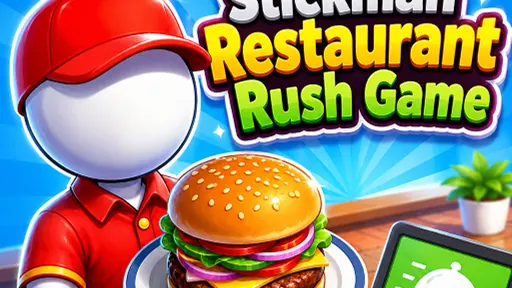
Stickman Restaurant Rush Game game artwork

The game loads after you press Play.

Click inside the player before using keyboard controls.Loading help →
Controls & keys
  • Use the mouse to play.

About Stickman Restaurant Rush Game

Stickman Restaurant Rush Game makes a meal a sequence of jobs: accept the order, prepare the food, and get it to the customer. Delayed service risks customer patience, so knowing what is already ready can matter as much as starting something new.

Check outstanding orders before choosing your next action. A finished meal waiting for delivery may be a more useful next task than opening another order. Kitchen upgrades, recipe unlocks, and restaurant improvements give earnings a longer-term purpose. Read what an upgrade changes before buying it, and choose a purchase that supports the task you want to improve.


Your first attempt

How to play Stickman Restaurant Rush Game

Use the mouse interface to take an order, prepare the requested meal, and deliver it before the customer loses patience. Check open orders and ready food, then inspect kitchen and recipe options after earning rewards.

Make the next run count

Stickman Restaurant Rush Game tips

  1. Check for food ready to deliver before starting another task.
  2. Use outstanding orders to decide which job needs attention next.
  3. Read an upgrade’s effect before spending restaurant earnings.
Quick answers

Stickman Restaurant Rush Game FAQ

What needs to happen before delivery?

Take the customer’s order and prepare the requested food.

What can be improved as the restaurant grows?

The description includes kitchen upgrades, new recipes, and restaurant improvements.