Browser games · No installation neededLoading help →
Quick games

Relaxing Mini Fun Games

Choose from casual mini games and use the instructions in each activity for clicking, dragging, tapping or swiping.

Ready — press Play
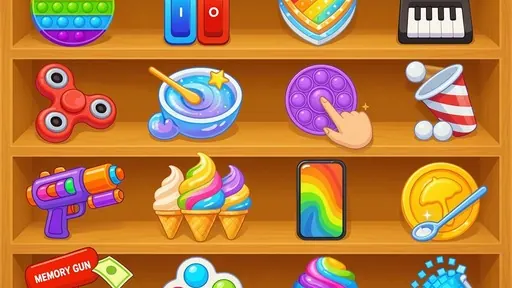
Relaxing Mini Fun Games game artwork

The game loads after you press Play.

Click inside the player before using keyboard controls.Loading help →
Controls & keys
  • Mouse: click, drag and interact with objects.
  • Touchscreen: tap, swipe and drag.
  • Each mini game displays its own instructions when needed.

About Relaxing Mini Fun Games

Relaxing Mini Fun Games is a collection rather than a single puzzle with one set of rules. Each activity introduces simple interactions and shows instructions when they are needed. Mouse controls include clicking, dragging and handling objects; touch activities may also use taps and swipes.

When switching activities, read the new prompt before applying the action from the previous mini game. A dragging task and a tapping task can look similarly simple while asking for different results. Choose an activity you enjoy, finish a small part of it and return to the collection when you want a change of pace.
Your first attempt

How to play Relaxing Mini Fun Games

Choose an available mini game and follow its on-screen instructions. Use mouse clicks and drags, or touch taps, swipes and drags, as the selected activity requests.

Make the next run count

Relaxing Mini Fun Games tips

  1. Read the prompt again after changing mini games.
  2. Match the action to the task rather than repeatedly clicking.
  3. Choose a different activity when you want a change of pace.
Quick answers

Relaxing Mini Fun Games FAQ

Do all activities share one rule?

No. Each mini game provides its own simple instructions when needed.

Can I use touch controls?

Yes. The supplied controls include tapping, swiping and dragging on a touchscreen.