Browser games · No installation neededLoading help →
Puzzle games

Pixel Adventure 3D

Explore a pixel-style 3D world with obstacles and missions, using directional movement to find the route through each area.

Ready — press Play
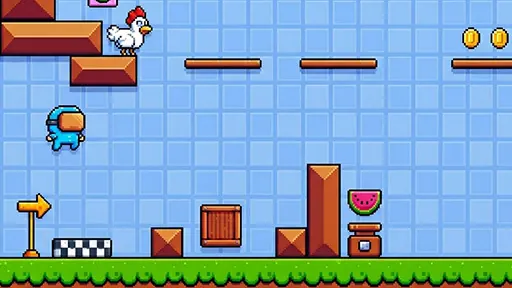
Pixel Adventure 3D game artwork

The game loads after you press Play.

Click inside the player before using keyboard controls.Loading help →
Controls & keys
  • W or Up: move forward.
  • S or Down: move backward.
  • A or Left: move left.
  • D or Right: move right.
  • Mouse: click buttons.

About Pixel Adventure 3D

Pixel Adventure 3D is presented as a 3D exploration and action game with level obstacles and missions. Use forward, backward and sideways movement to inspect the space around your character before continuing.

Look for the route through the environment rather than assuming every visible object is an objective. Read the mission prompt, move into a useful position and inspect the next obstacle. Although the description mentions jumping, it does not provide a jump key; any additional actions should be taken from the loaded game's own control display.

Your first attempt

How to play Pixel Adventure 3D

Use WASD or the corresponding arrow keys to move through the area. Check the current mission and use the mouse for menu buttons. Follow any additional action prompts shown in the game.

Make the next run count

Pixel Adventure 3D tips

  1. Read the current mission before choosing a route.
  2. Use sideways movement to line up with a narrow approach.
  3. Check the loaded controls for actions beyond the supplied movement keys.
Quick answers

Pixel Adventure 3D FAQ

Which movement directions are documented?

Forward, backward, left and right using WASD or the corresponding arrow keys.

Is a jump key provided in the publisher instructions?

No. The description mentions jumping, but the supplied input list does not name a key.