Browser games · No installation neededLoading help →
Puzzle games

Paletto

Recreate a target color pattern by activating painter objects in a useful order and checking the columns they change.

Ready — press Play
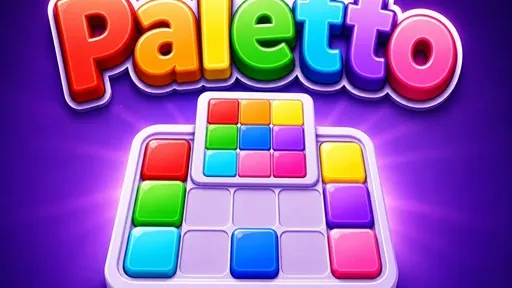
Paletto game artwork

The game loads after you press Play.

Click inside the player before using keyboard controls.Loading help →
Controls & keys
  • Click a painter object to color its column.

About Paletto

Paletto gives you a target color pattern and a set of coloring mechanisms. Click a painter object to color its column, then use the available operations in the order needed to reproduce the design. The arrangement becomes more complex as the puzzles progress.

Compare the current picture with the target before deciding which painter to use. Look at the whole column affected by a choice, not only the square that first caught your attention. After each change, identify what now matches and what still needs work.


Your first attempt

How to play Paletto

Inspect the target pattern. Click painter objects to color their columns, compare the result and choose the next operation until the puzzle matches the required design.

Make the next run count

Paletto tips

  1. Check the entire affected column before using a painter.
  2. Recompare the current pattern with the target after each change.
  3. Plan the order of operations rather than recoloring randomly.
Quick answers

Paletto FAQ

What is the objective?

Recreate the color pattern shown by the target design.

How does a painter work?

Clicking a painter object colors its column.