Browser games · No installation neededLoading help →
Arcade games

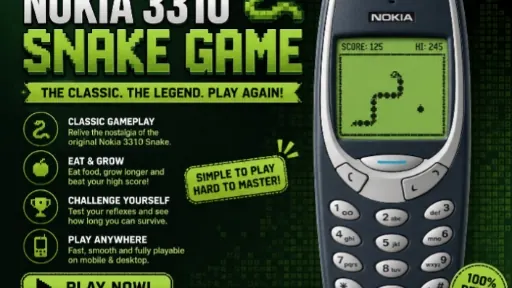
Nokia 3310 Snack Game

A retro-inspired Snake game with food collection, a growing tail and keyboard or on-screen direction controls.

Ready — press Play
Nokia 3310 Snack Game game artwork

The game loads after you press Play.

Click inside the player before using keyboard controls.Loading help →
Controls & keys
  • Arrow keys or on-screen buttons to move the snake.
  • Start/OK to begin or pause.

About Nokia 3310 Snack Game

Nokia 3310 Snack Game recreates the style of the old phone’s Snake game for a modern browser. Collect food to grow the snake and try to improve your highest score without a collision. The longer body makes route planning increasingly important.

Think about where the tail will be after the next piece of food. A turn that is safe for a short snake may leave a long body in the way later. Use clear routes with room to turn, and avoid putting the head into a small space without a plan to leave it.
Your first attempt

How to play Nokia 3310 Snack Game

Press Start/OK to begin. Use the arrow keys or on-screen buttons to steer, collect food and avoid collisions. Press Start/OK again when you want to pause.

Make the next run count

Nokia 3310 Snack Game tips

  1. Check the space needed by the growing tail before turning.
  2. Avoid entering a tight area without a clear onward route.
  3. Use pause when needed instead of leaving the snake moving unattended.
Quick answers

Nokia 3310 Snack Game FAQ

What happens when I collect food?

The snake grows longer, making the route more demanding.

How do I pause?

Use the Start/OK control to begin or pause the game.