Browser games · No installation neededLoading help →
Racing games

Faster Car Race

Take a sports car onto scenic asphalt tracks in a racing game with a nitro boost and mouse or touch input.

Ready — press Play
Faster Car Race game artwork

The game loads after you press Play.

Click inside the player before using keyboard controls.Loading help →
Controls & keys
  • Mouse click or tap to play.

About Faster Car Race

Faster Car Race puts high-speed cars on asphalt tracks surrounded by forests, mountains, and grandstands. Nitro is part of the racing experience, with mouse clicks or taps providing the game’s interface.

Learn the steering and any displayed boost control before committing to a fast corner. Track scenery may move quickly, but the approaching bend is the information that should guide your next action. Try to improve one section of a route at a time: a cleaner corner entry gives you a more useful lesson than changing every action on the next attempt.
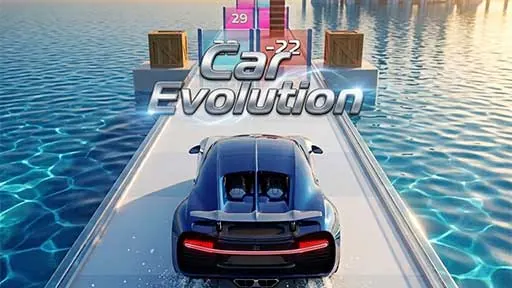
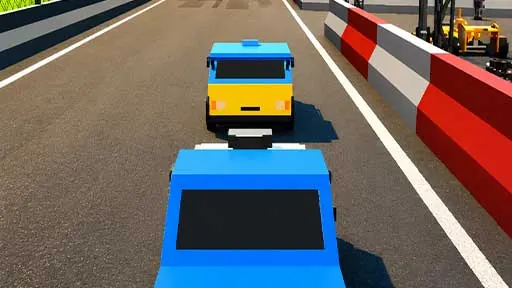
Your first attempt

How to play Faster Car Race

Start using the game’s mouse or touch interface. Identify the on-screen driving and nitro controls, then learn the first corners before attempting a faster run.

Make the next run count

Faster Car Race tips

  1. Identify the boost control within the game instead of assuming a keyboard shortcut.
  2. Look toward the next bend as you approach it.
  3. Compare one corner between attempts so you can judge which change helped.
Quick answers

Faster Car Race FAQ

What kind of tracks does the game use?

Asphalt tracks with forest and mountain scenery.

Does the car have nitro?

Yes. Learn the displayed boost control within the game.