Browser games · No installation neededLoading help →
Racing games

City Car Driving Game

Explore city roads in a 3D driving game, using arrow-key movement to navigate streets and avoid obstacles.

Ready — press Play
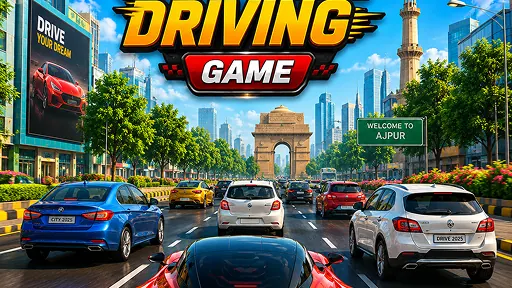
City Car Driving Game game artwork

The game loads after you press Play.

Click inside the player before using keyboard controls.Loading help →
Controls & keys
  • Mouse to operate the game interface.
  • Up arrow forward; Down arrow backward; Left arrow left; Right arrow right.

About City Car Driving Game

City Car Driving Game offers a car and an urban environment to explore. Drive through city roads, negotiate obstacles and keep control of the vehicle while following the challenges available in the game. The arrow keys provide forward, backward and side movement.

Use an open stretch to learn how the vehicle responds before entering a crowded area. At a junction, decide where you are going before a last-moment correction is needed. The useful practice is consistent positioning through the streets, rather than treating every road as a maximum-speed run.

Your first attempt

How to play City Car Driving Game

Use the mouse for the interface and the arrow keys to move the car. Explore the roads, avoid obstacles and follow any driving challenge shown in the game.

Make the next run count

City Car Driving Game tips

  1. Learn the steering response on a clear stretch of road.
  2. Choose your direction before entering a junction.
  3. Leave space around obstacles for a correction.
Quick answers

City Car Driving Game FAQ

Where do I drive?

The game is set on city roads in a 3D urban environment.

What controls move the car?

Use the four arrow keys for forward, backward, left and right movement.