Browser games · No installation neededLoading help →
Adventure games

Farming Simulation Game

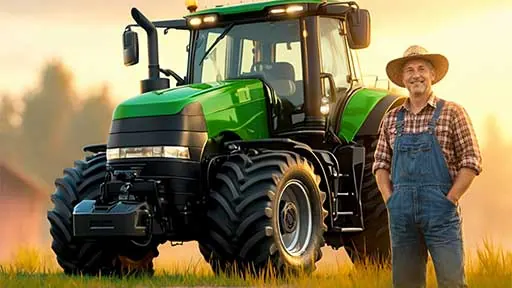
Drive tractors through cultivation, planting and harvesting missions while developing a countryside farm.

Ready — press Play
Farming Simulation Game game artwork

The game loads after you press Play.

Click inside the player before using keyboard controls.Loading help →
Controls & keys
  • WASD or arrow keys: drive and steer the tractor.

About Farming Simulation Game

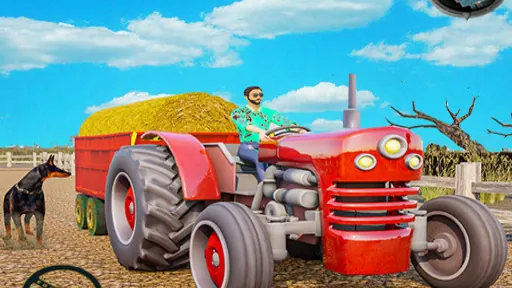
Farming Simulation Game organises farm work around tractor missions. Cultivating fields, planting crops and harvesting produce are the activities described, alongside improving equipment and managing the farm. The immediate task matters: a field-working mission asks for a different route from simply driving to a destination.

Check which job is active before moving the tractor. Approach the relevant field in a line that makes the next part of the work easy to follow, then keep track of the mission's progress. Once the task is complete, review the next job and available equipment rather than assuming the whole farming sequence happens in one pass.

Your first attempt

How to play Farming Simulation Game

Use WASD or the arrow keys to drive and steer the tractor. Follow the active farming mission for cultivation, planting or harvesting, and complete the work indicated by the game.

Make the next run count

Farming Simulation Game tips

  1. Read the current farm task before driving into a field.
  2. Set up a straightforward route through the work area.
  3. Review equipment improvements in relation to the jobs you need to complete.
Quick answers

Farming Simulation Game FAQ

Which farm jobs are included?

The published description lists cultivating fields, planting crops and harvesting produce.

What vehicle do I control?

The provided driving controls are for a tractor.