Browser games · No installation neededLoading help →
Puzzle games

Block Blaster

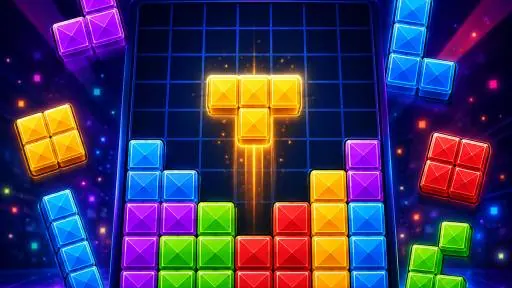
Drag fixed block shapes onto an 8×8 grid and fill rows or columns to clear space for more placements.

Ready — press Play
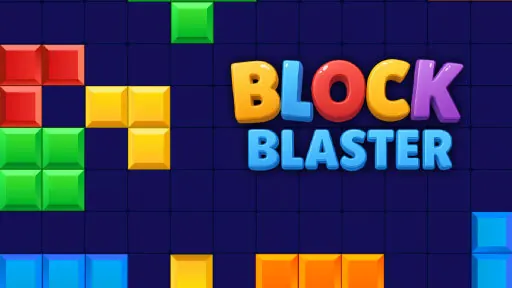
Block Blaster game artwork

The game loads after you press Play.

Click inside the player before using keyboard controls.Loading help →
Controls & keys
  • Drag and drop cube blocks into the 8×8 grid.
  • Blocks cannot be rotated.

About Block Blaster

Block Blaster uses an 8×8 grid and pieces that cannot rotate. Filling a row or column removes its blocks, making space management the center of the puzzle. The useful question after each drop is what you can still fit, not just how much of the board you have filled.

Compare a shape with the empty spaces before placing it. A nearly complete line may be helpful, but filling it halfway can also divide a roomy area into awkward fragments. When the board becomes crowded, favor moves that recover usable space.
Your first attempt

How to play Block Blaster

Drag a block onto a fitting section of the grid. Place further shapes to complete rows or columns, then use the newly cleared space for the next pieces.

Make the next run count

Block Blaster tips

  1. Check the piece’s orientation before choosing a destination.
  2. Look for placements that complete a line without splitting your remaining empty space.
  3. Keep a roomy area available for shapes that do not fit small gaps.
Quick answers

Block Blaster FAQ

Can I rotate a block?

No. Blocks cannot rotate.

Which placements clear blocks?

Filling a complete row or column clears that line.