Browser games · No installation neededLoading help →
Adventure games

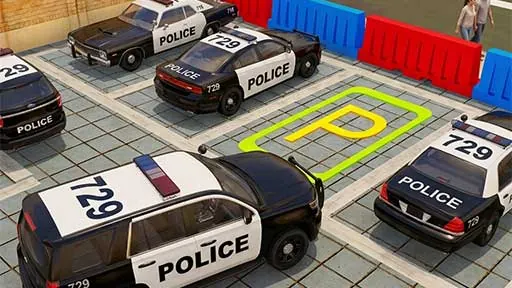
3D Police Car Parking

Park police vehicles in marked spaces, negotiating city barriers and obstacles with careful driving and steering.

Ready — press Play
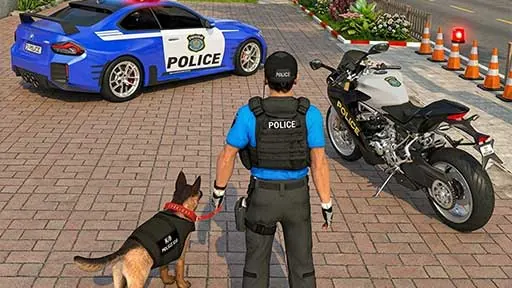
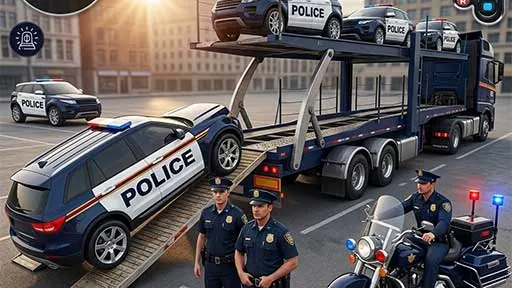
3D Police Car Parking game artwork

The game loads after you press Play.

Click inside the player before using keyboard controls.Loading help →
Controls & keys
  • WASD or arrow keys to drive and steer.

About 3D Police Car Parking

3D Police Car Parking turns police vehicles into precision-driving challenges. Guide a car through city areas, avoid barriers and other obstacles and finish in the marked parking space. Multiple police cars and parking layouts provide different arrangements to navigate.

The target space is only the final part of the task. Check the approach through barriers so the car arrives with a useful alignment. When passing close to an obstacle, watch the nearest corner of the vehicle rather than looking only at the parking marker.
Your first attempt

How to play 3D Police Car Parking

Use WASD or the arrow keys to drive and steer. Follow the route around barriers, align the police car with the marked space and park without damaging the vehicle.

Make the next run count

3D Police Car Parking tips

  1. Plan the final alignment before reaching the parking space.
  2. Watch the vehicle corner nearest a barrier.
  3. Use small steering adjustments where clearance is limited.
Quick answers

3D Police Car Parking FAQ

What is the destination?

Park the police vehicle in the marked parking space.

What should I avoid on the way to the space?

Steer around the barriers and obstacles without damaging the police vehicle.