
Scroll Hold VR
About Scroll Hold VR
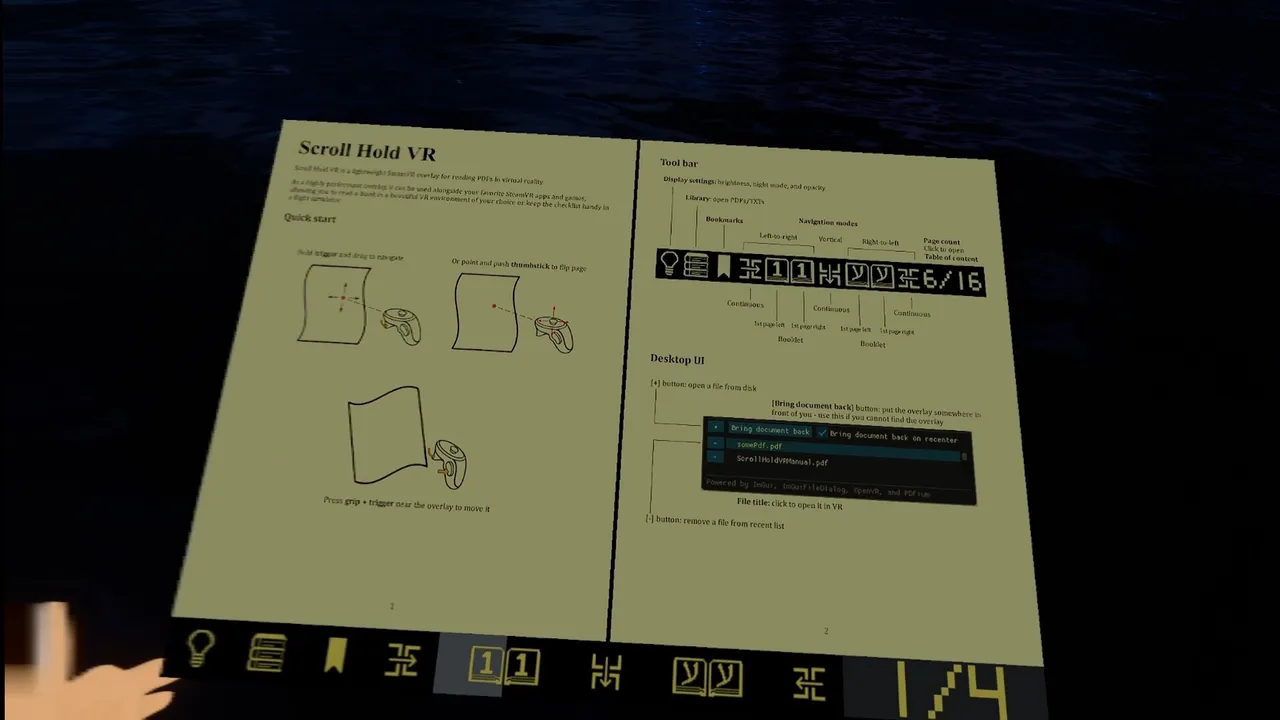
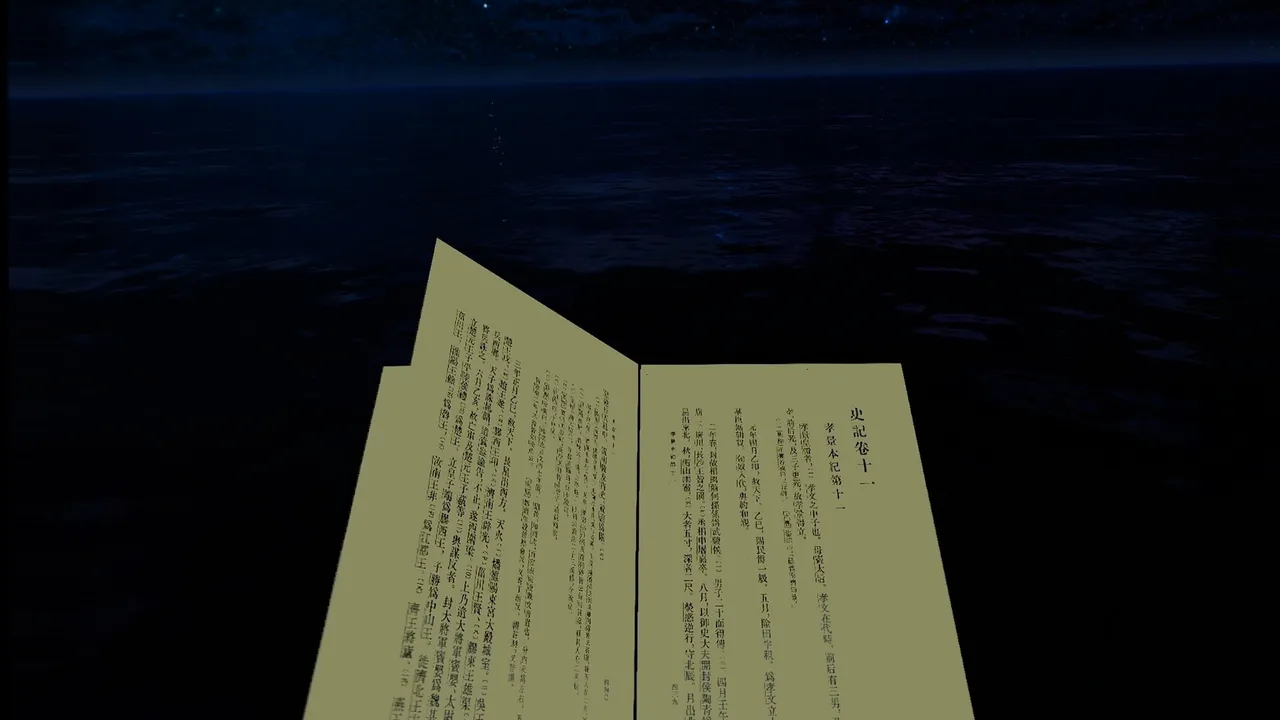
Scroll Hold VR is a SteamVR utility that transforms reading into a spatial experience by layering documents directly into your active VR environment. Rather than launching a separate app, it runs as an overlay that sits on top of any other SteamVR application, letting you load a PDF or text file without leaving whatever else you're doing in headset. The release date for Scroll Hold VR is July 16, 2026 on PC.
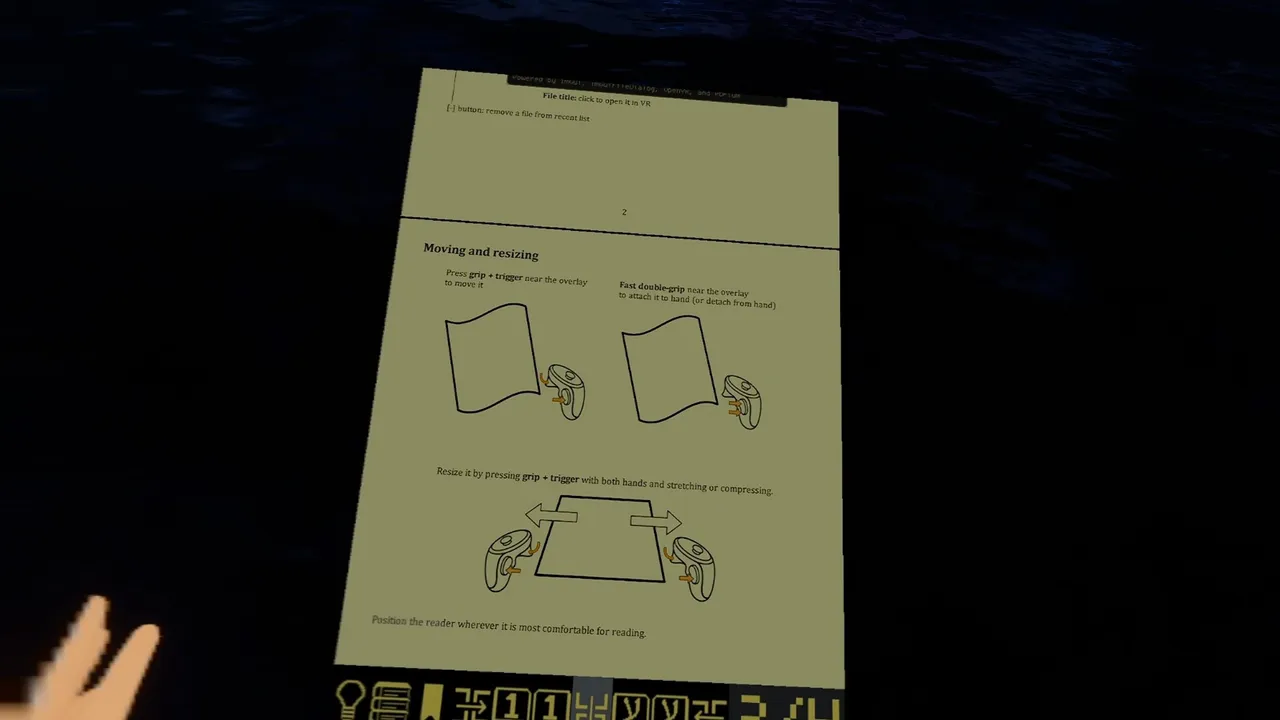
The core design trades the conventional window-in-a-window model for object-in-space manipulation. You grab documents with your controllers, resize them from pocket-book scale to wall-sized panels, and position them anywhere in your room or hold them in your hands. This spatial anchoring matters: a document pinned to your physical wall stays there across sessions, while a hand-held one moves with you, reshaping how you interact with reference material, notes or longer texts mid-gameplay.
Two navigation modes for different reading patterns
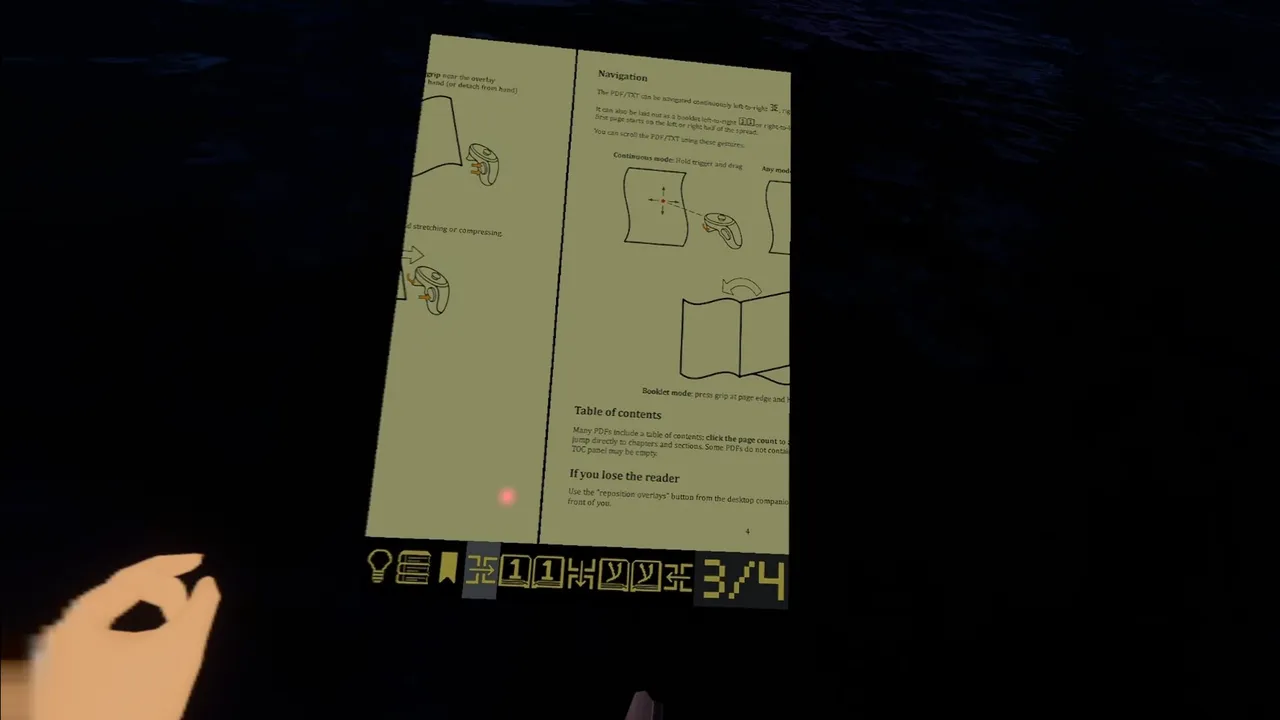
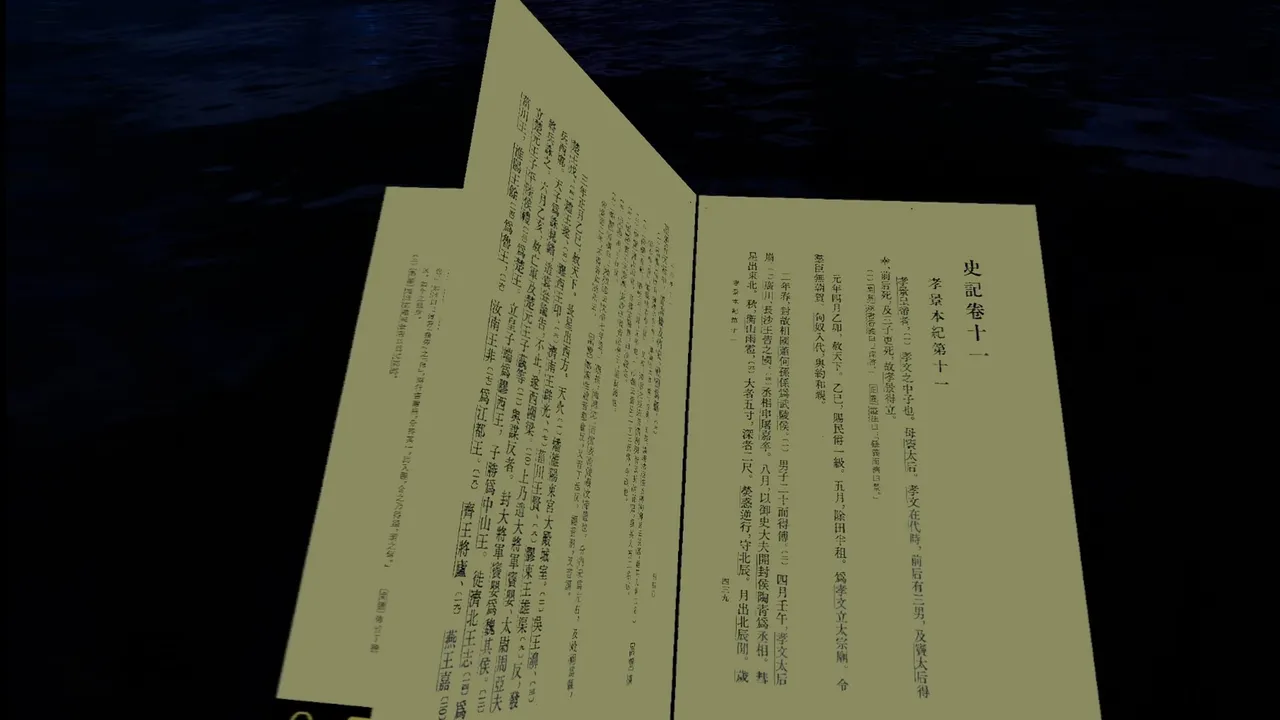
The utility supports two distinct approaches. Booklet mode simulates page-turning by using grip gestures or thumbstick presses to flip, mimicking physical reading; continuous mode treats the document as a scrollable plane you navigate by dragging or thumbstick input, closer to how you'd scroll on a flat screen. Neither enforces a choice—you switch between them per document, letting you adapt to whether you're reading fiction page by page or scanning a reference guide.
Because Scroll Hold VR runs as an overlay rather than a standalone app, it assumes you already have a SteamVR headset and controllers. The utility's value depends on whether you actually read at length in VR or use documents while playing—casual readers will find little reason to adopt it, but anyone managing guides, transcripts, or creative writing notes during extended VR sessions could find the workflow faster than removing the headset or hunting for a second monitor.
A niche tool with a specific, defensible purpose. If reading in headset is part of your routine, this solves a friction point with minimal UI overhead.
Features
System requirements
Minimum
- DirectX
- Version 11
- Storage
- 16 MB available space
- VR Support
- SteamVR




No comments yet. Be the first to share your thoughts.