
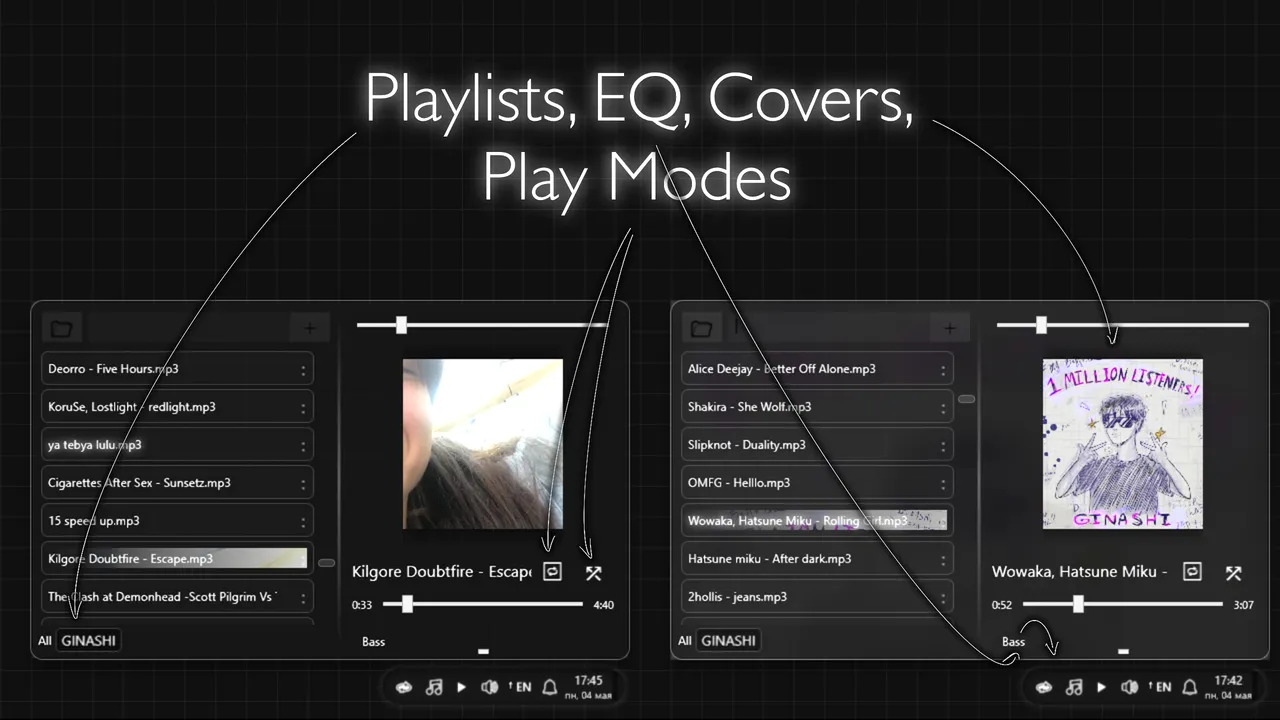
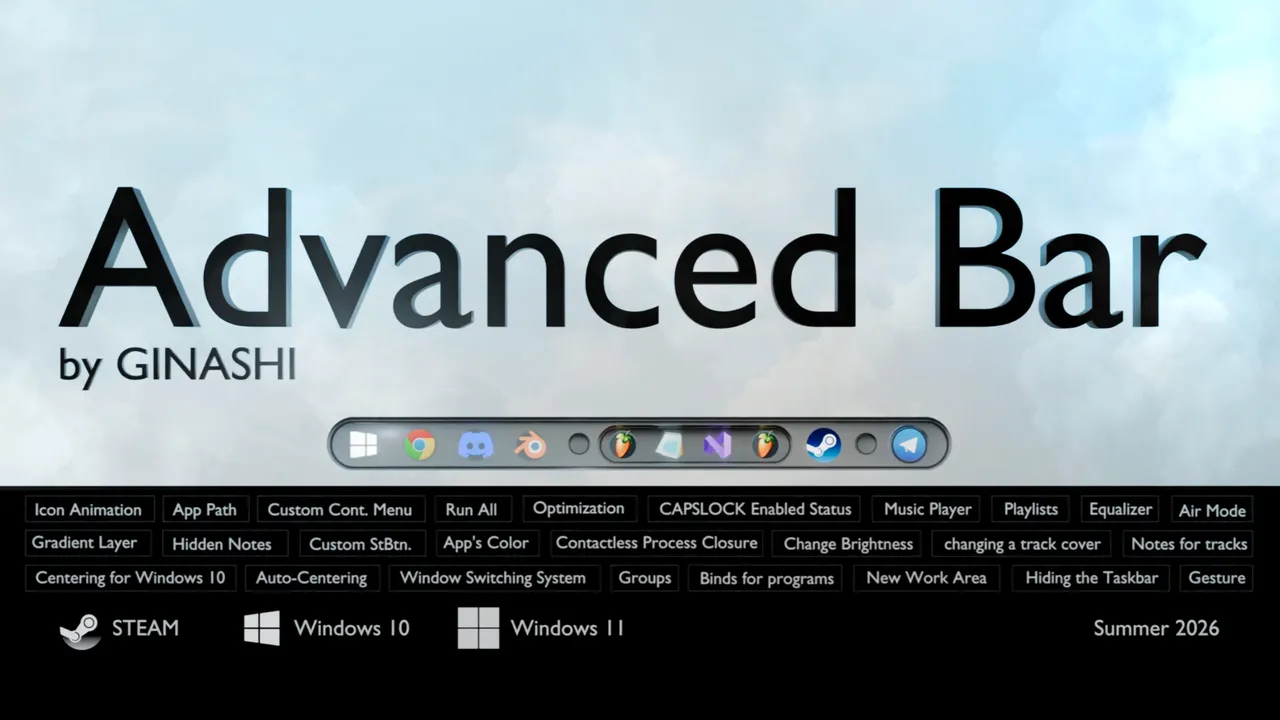
Advanced Bar
About Advanced Bar
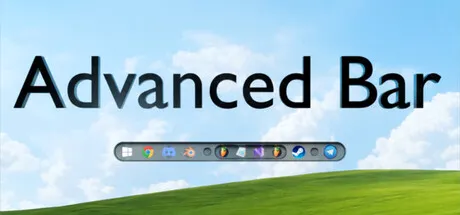
Advanced Bar is a Windows taskbar customization utility releasing July 16, 2026 that replaces the stock interface with a three-tier system of increasing visual and functional control. The core offer is simple: take back the taskbar, hide it when you do not need it, reorganize its icons into groups, add static or animated backgrounds, and alter how you switch between open windows.
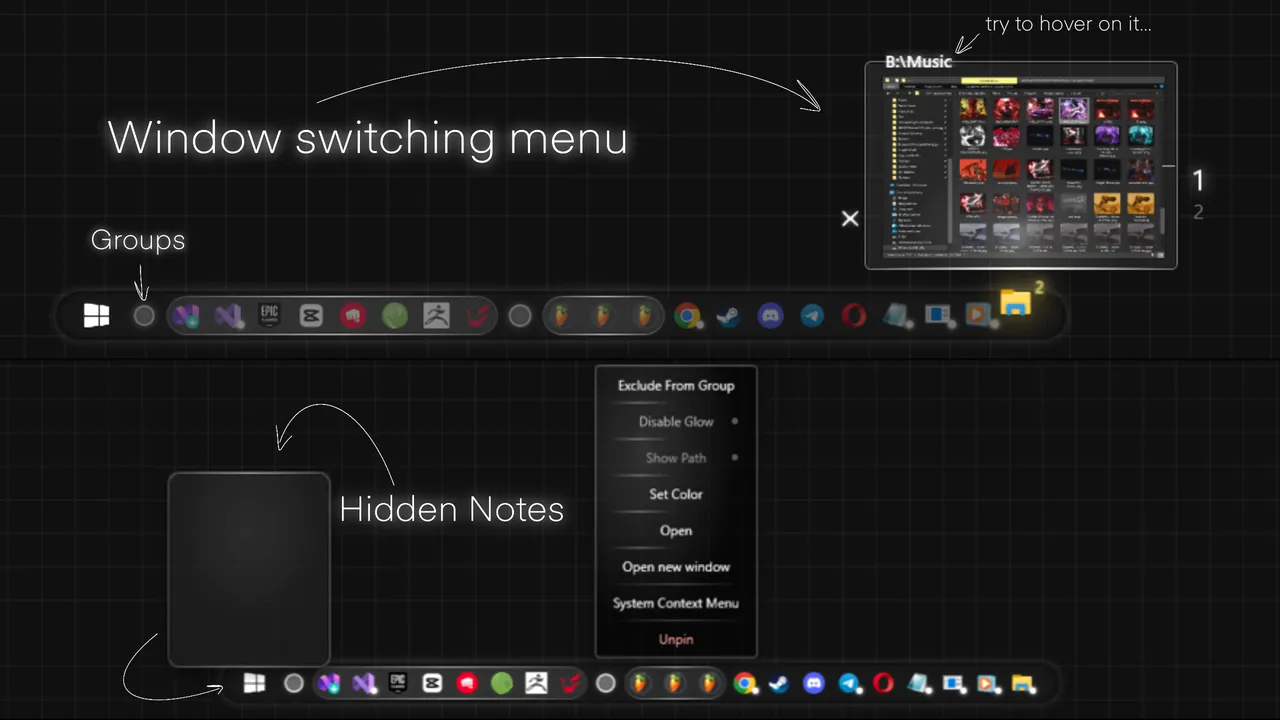
The standout mechanic is the window preview system in Advanced Mode. Rather than the standard Windows thumbnail grid where each open window gets its own icon slot, Advanced Bar divides a single thumbnail into regions based on cursor position—move your cursor across one icon and the preview updates to show whichever window occupies that section of the space. This removes the need to hunt for the right window among many thumbnails. Closing applications also sidesteps clicks: hover over a preview name for four seconds and the process shuts without interaction, a small friction reducer that compounds across repeated use.
Customization depth and the Light Mode trade-off
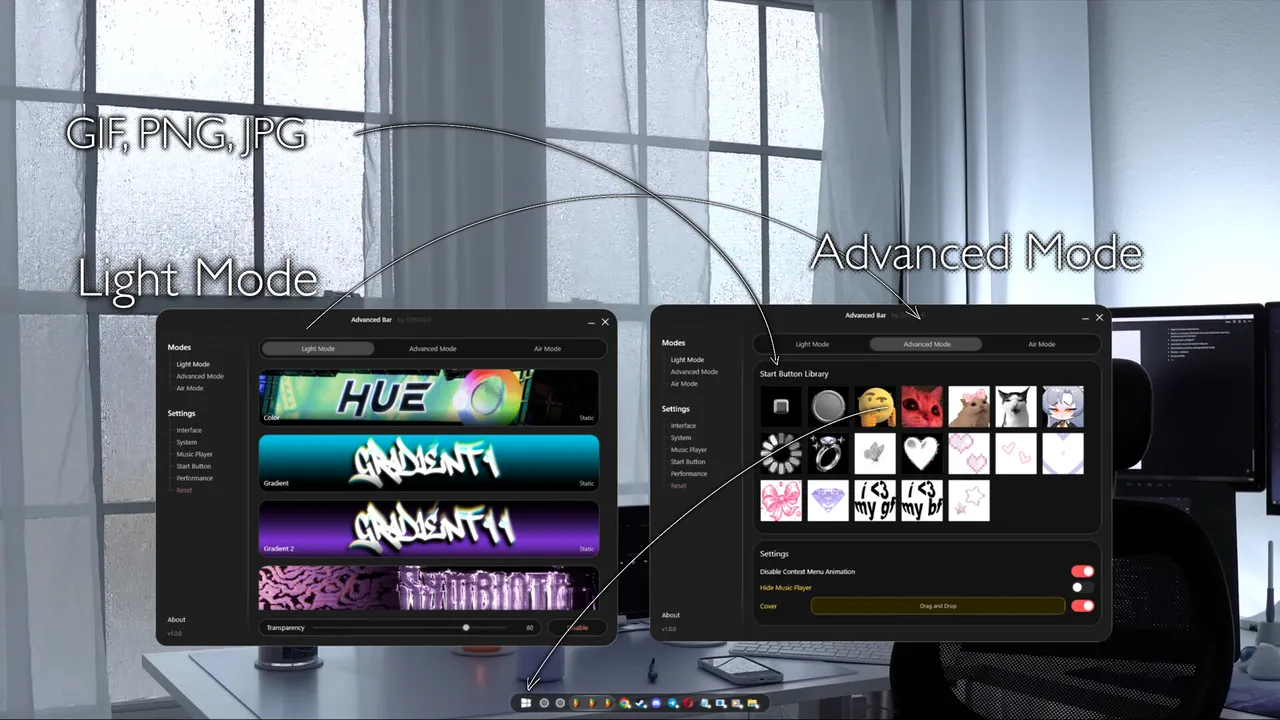
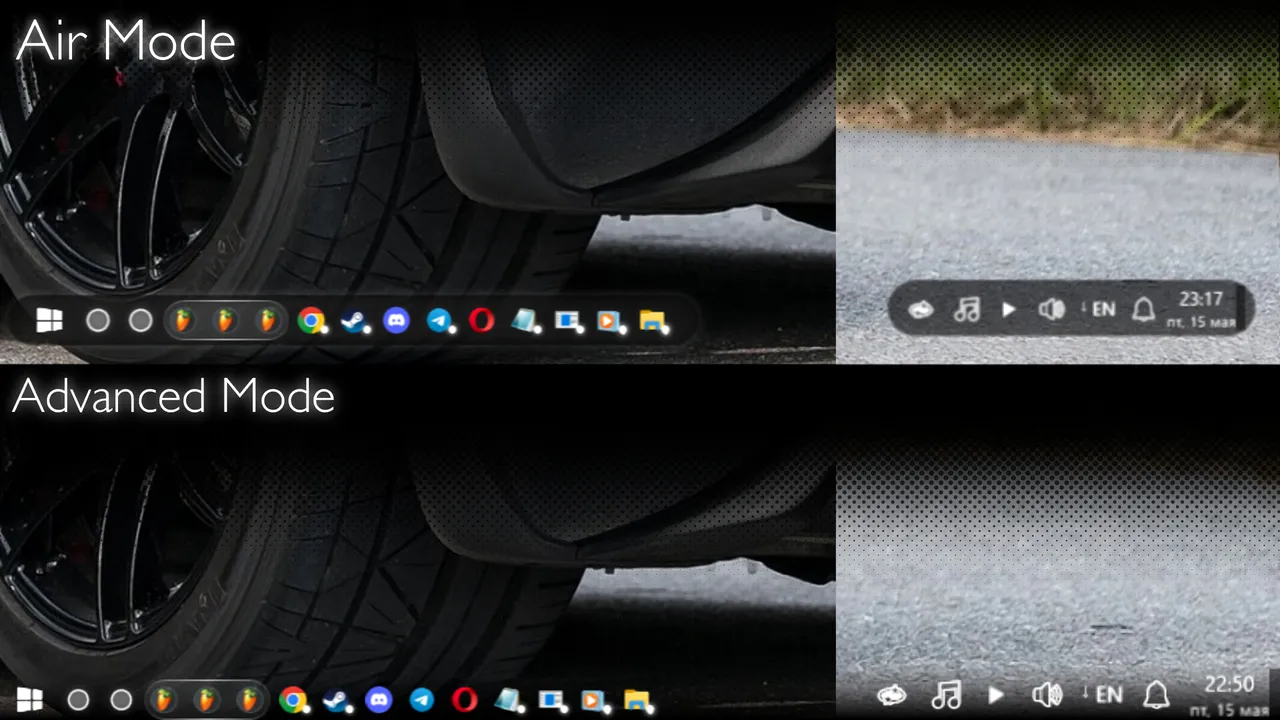
Light Mode preserves the Windows taskbar structure but layers transparency controls and custom backgrounds on top, a minimal intervention for users who want aesthetic tweaks without rearchitecting the entire interface. Advanced Mode goes further, replacing the taskbar outright and allowing the Start button itself to become any image file, with the ability to trigger a hidden menu on hover. This tiered approach means new users can dip in shallow, and power users can rebuild the entire bottom edge of their desktop.
The release date for Advanced Bar is confirmed as July 16, 2026 for PC. The feature set hinges on whether the cursor-based window preview system actually speeds navigation in daily use or whether it introduces a new learning curve that negates its efficiency gains—that tension between innovation and muscle memory is what determines whether this tool becomes indispensable or overlooked. For anyone frustrated by Windows' fixed taskbar design, the scope of control here is rare enough to warrant a look at release; for casual users content with the defaults, the complexity may not justify installation.
System requirements
Minimum
- OS
- Windows 10, Windows 11
- Processor
- 1.66 GHz Intel i5 or equivalent
- Memory
- 2048 MB RAM
- Graphics
- HD Graphics 4000 or above
- Storage
- 2000 MB available space
- Additional Notes
- Power requirements depend on enabled features and modes.
Recommended
- OS
- Windows 10, Windows 11
- Processor
- Intel i7
- Memory
- 2048 MB RAM
- Graphics
- NVIDIA GeForce GTX 660, AMD HD7870, 4 GB VRAM or above
- Additional Notes
- Power requirements depend on enabled features and modes.






No comments yet. Be the first to share your thoughts.