Browser games · No installation neededLoading help →
Puzzle games

Wolfoo Tangram

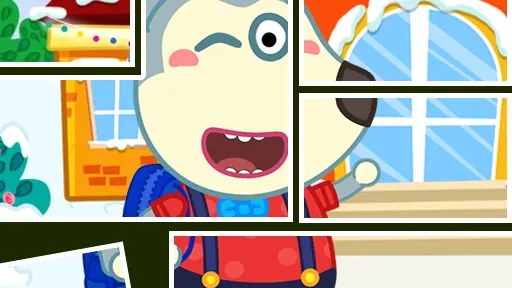
Rebuild 30 Wolfoo pictures by dragging and rotating pieces, choosing puzzles from four to 30 pieces with zoom and daily hints.

Ready — press Play
Wolfoo Tangram game artwork

The game loads after you press Play.

Click inside the player before using keyboard controls.Loading help →
Controls & keys
  • Drag a piece to move it.
  • Tap a piece to rotate it.
  • Use the displayed zoom buttons or mouse wheel.

About Wolfoo Tangram

Wolfoo Tangram is a picture-rebuilding puzzle. Choose a picture and a piece count, then drag each part into the frame and rotate it upright when needed. A piece placed near its correct spot locks into position, giving you a stable starting point for the rest.

The game offers 30 pictures, settings from four to 30 pieces and either a tray or scattered layout. Zoom helps inspect small shapes, and three free daily hints can help with a difficult placement. Using a smaller piece count first makes it easier to study the picture’s shapes before trying a denser arrangement.
Your first attempt

How to play Wolfoo Tangram

Choose a picture and the number of pieces. Drag a piece toward its place, tap it to rotate and drop it close to the matching position so it locks in. Continue until the picture is rebuilt.

Make the next run count

Wolfoo Tangram tips

  1. Place distinctive shapes before working on pieces with similar edges.
  2. Rotate a piece upright before comparing its outline with the frame.
  3. Use zoom to inspect a small gap before spending a daily hint.
Quick answers

Wolfoo Tangram FAQ

Can I change the puzzle difficulty?

Yes. The available settings range from four to 30 pieces, with tray and scattered layouts.

Does a correctly placed piece stay in position?

A piece dropped near its correct location locks into place.