Browser games · No installation neededLoading help →
Adventure games

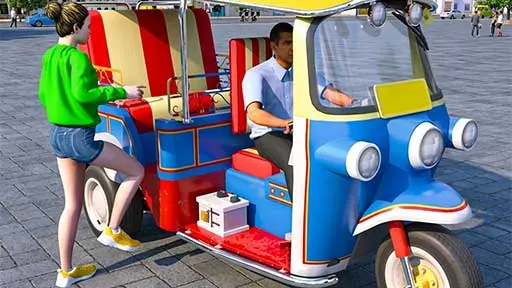
Tuk Tuk Auto Rikshaw

Pick up city passengers and deliver them in a tuk tuk, following the mission route while watching traffic and obstacles.

Ready — press Play
Tuk Tuk Auto Rikshaw game artwork

The game loads after you press Play.

Click inside the player before using keyboard controls.Loading help →
Controls & keys
  • Mouse click or tap to play.

About Tuk Tuk Auto Rikshaw

Tuk Tuk Auto Rikshaw follows a passenger-service routine: find the pickup, travel across the city and drop the passenger at the destination. Navigate busy streets and obstacles, follow the traffic rules and earn mission rewards toward more auto rickshaws.

Begin by checking which part of the trip is active. A pickup location and a drop-off location serve different stages of the job, so keep the mission destination in view rather than driving without a plan. At a crowded junction, choose the route that gives you room to complete the turn and continue toward the passenger's destination.

Your first attempt

How to play Tuk Tuk Auto Rikshaw

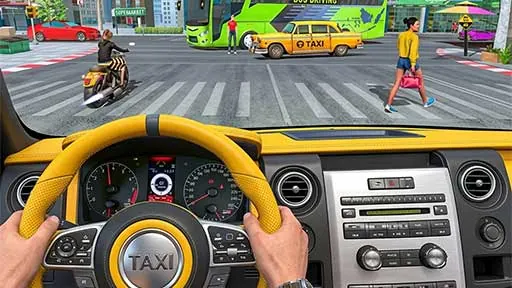
Use the game's mouse or touch controls to follow passenger missions. Go to the pickup location, take the passenger to the stated destination and avoid traffic and obstacles.

Make the next run count

Tuk Tuk Auto Rikshaw tips

  1. Confirm whether the current marker is for pickup or drop-off.
  2. Look ahead at junctions before committing to a turn.
  3. Use early trips to learn the controls displayed on the driving screen.
Quick answers

Tuk Tuk Auto Rikshaw FAQ

What do missions involve?

Picking up passengers at different locations and delivering them safely through the city.

Can I use keyboard driving keys?

The published instructions only specify mouse clicks or taps; follow the controls displayed by the game.