Browser games · No installation neededLoading help →
Creative games

My Restaurant

Build and furnish a restaurant, prepare food, serve customers and use earnings to expand the menu and dining space.

Ready — press Play
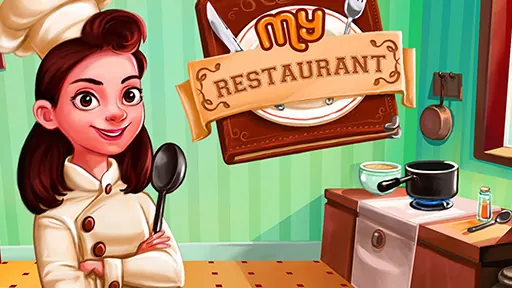
My Restaurant game artwork

The game loads after you press Play.

Click inside the player before using keyboard controls.Loading help →
Controls & keys
  • Use the mouse or tap to play.

About My Restaurant

My Restaurant starts with a small dining space and asks you to develop it into a larger business. Buy furniture, cooking stoves and decorations, prepare and serve food and earn cash for upgrades and menu items. The useful balance is between how the restaurant looks and how well it can serve customers.

Check what the next purchase adds to the routine before spending. A cooking improvement, more furniture and a decorative change meet different needs. Expand with the current service flow in mind so new space has a purpose rather than becoming an isolated purchase.


Your first attempt

How to play My Restaurant

Use the mouse or touch controls to build and furnish the restaurant. Prepare food, serve customers and put the resulting cash toward upgrades, new menu items or expansion.

Make the next run count

My Restaurant tips

  1. Check the current service need before choosing a purchase.
  2. Balance cooking facilities with the dining space you are developing.
  3. Add decorations with a clear budget for the next useful improvement.
Quick answers

My Restaurant FAQ

What can I customize?

The description includes furniture, cooking stoves and decorations for the restaurant.

How does the restaurant grow?

Serving customers earns cash for upgrades, menu items and expansion.