Browser games · No installation neededLoading help →
Puzzle games

Guess Which Game

Examine visual clues and compare the answer options to choose the correct one in each guessing challenge.

Ready — press Play
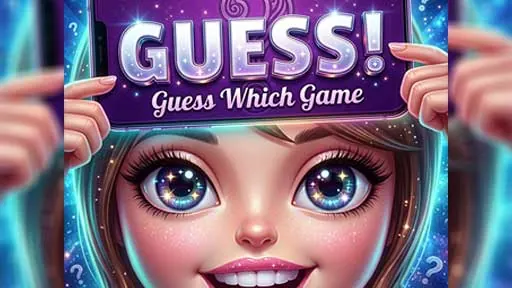
Guess Which Game game artwork

The game loads after you press Play.

Click inside the player before using keyboard controls.Loading help →
Controls & keys
  • Mouse click or tap to play.

About Guess Which Game

Guess Which Game asks you to make a choice from what the screen shows. The clues can be images or objects, and the task is to identify the correct answer rather than merely select the first familiar-looking option.

Inspect the prompt and all available answers before deciding. Look for a detail that supports one option and rules out another; shape, color, or a visible feature may be more helpful than a general impression. If a choice is wrong, reconsider the clue you used on the next attempt.


Your first attempt

How to play Guess Which Game

Read the clue or look closely at the displayed image. Compare the answer options, find the one supported by the visible detail, and click or tap to select it.

Make the next run count

Guess Which Game tips

  1. Read the whole prompt before comparing the answers.
  2. Find a specific visible detail that distinguishes the options.
  3. Use a wrong answer to reconsider the clue rather than repeating the same guess.
Quick answers

Guess Which Game FAQ

What information should I use?

The images, objects, and clues shown on screen.

How do I answer?

Choose the correct option using the mouse or touch interface.