

Pixel Q (Your Personal AI Agent)
About Pixel Q (Your Personal AI Agent)
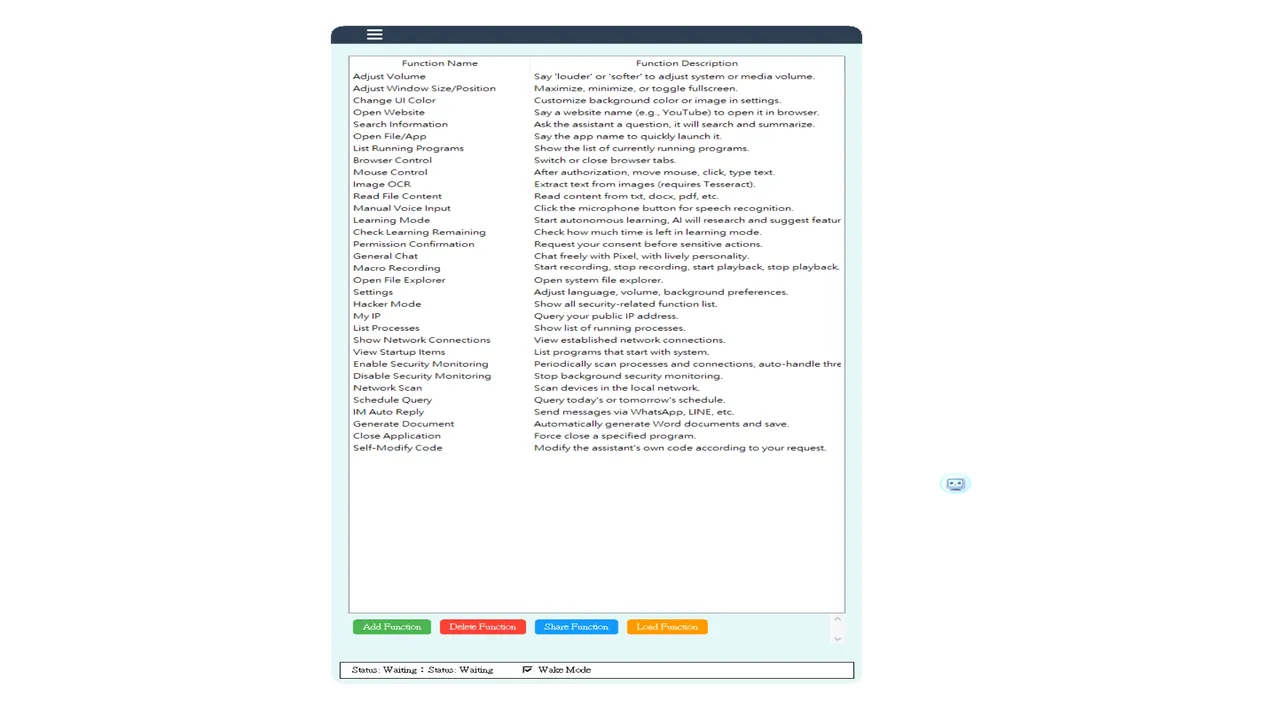
Pixel Q is a local AI assistant that runs entirely on your PC without any cloud dependency, launching July 18, 2026 on Windows. Unlike cloud-based AI tools, it operates as a one-time purchase with no subscription fees, meaning you own the software outright and all your data remains on your machine.
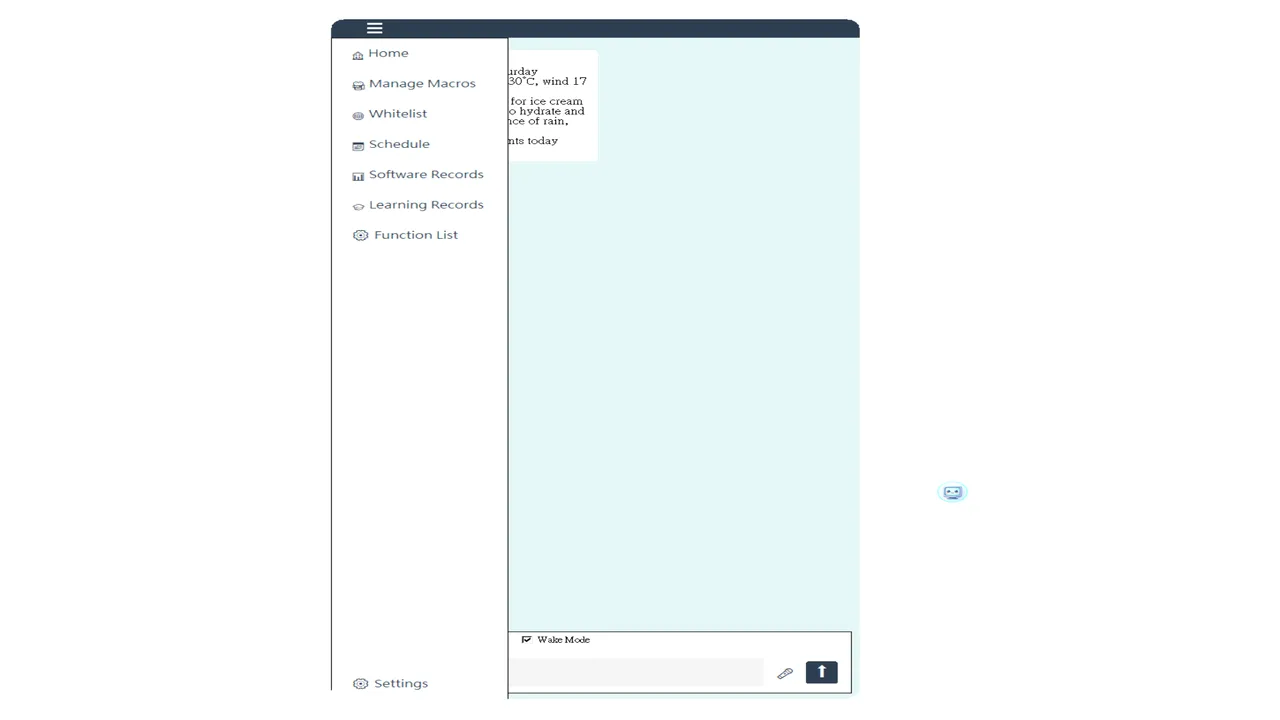
The core distinction here is architectural: Pixel Q is built around the assumption that powerful automation should be sandboxed and controlled. Every high-risk action—mouse or keyboard control, system shutdown, accessing unlisted websites, terminating processes, or modifying program files—requires explicit permission through a pop-up or voice confirmation before it executes. This permission model is the opposite of many AI tools that grant blanket control and ask forgiveness later. For users concerned about AI autonomy or data privacy, this is the defining design choice.
Five Local Models, No Internet Required
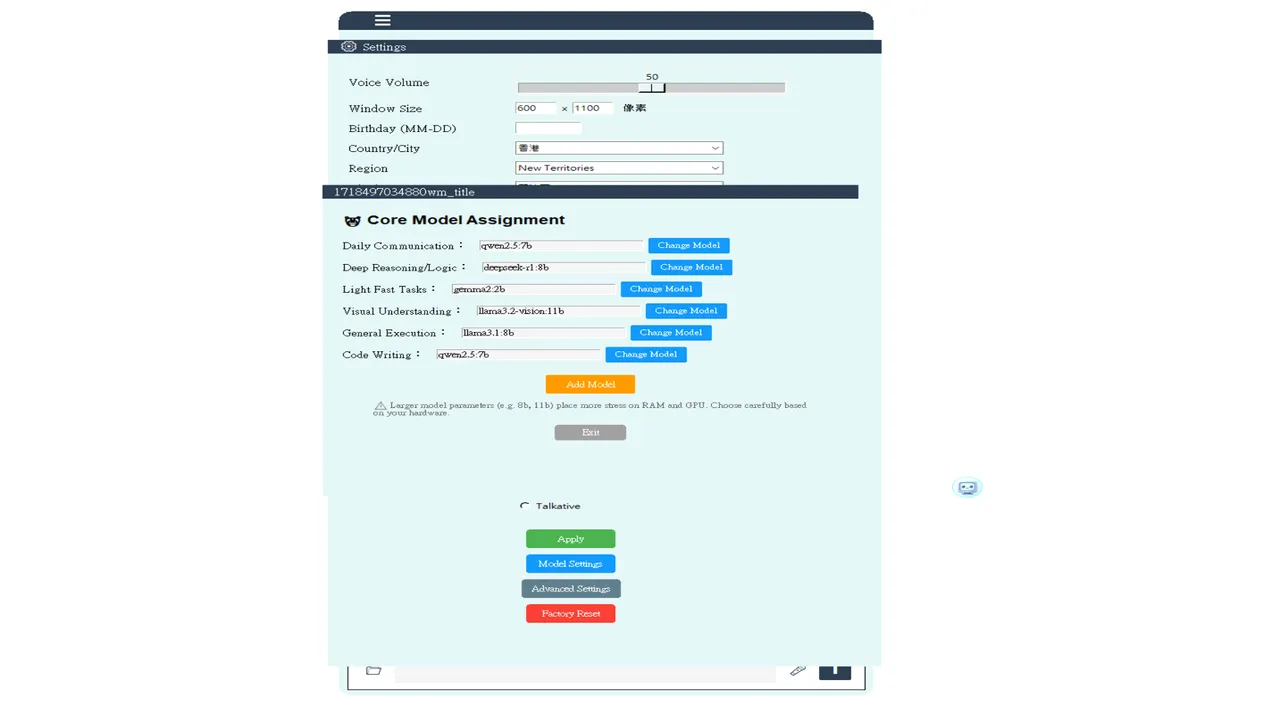
The assistant runs five specialized models for voice chat, PC control, file analysis, and schedule management, all local to your hardware. This approach trades cloud scalability for offline reliability and data sovereignty. You cannot be throttled by server load, your queries are not logged by a third party, and the tool works the same way whether you have internet or not. The trade-off is that local models typically run slower and may be less capable than their cloud equivalents, though the facts here do not detail the specific performance characteristics or model sizes.
Release Date and Pricing Model
The release date for Pixel Q is July 18, 2026 on PC. The one-time purchase model is uncommon in the AI tool space and appeals directly to users burned out on subscriptions, though it also means no ongoing development funding from recurring revenue. Whether that sustainable on a one-time sale model, and how often updates and model improvements will arrive, is the unresolved question.
For anyone prioritising privacy, offline operation, and explicit control over AI actions on their machine, this is a direct match. Anyone expecting the speed, scale or feature depth of cloud AI tools should treat this as a trade-off, not an upgrade.
System requirements
Minimum
- OS
- Windows 10 64-bit
- Processor
- Intel Core i5 4th generation / AMD FX-8350 or later (4 cores or more)
- Memory
- 16 GB RAM
- Graphics
- NVIDIA GTX 1660 (6GB VRAM) / AMD equivalent
- DirectX
- Version 11
- Network
- Broadband Internet connection
- Storage
- 50 GB available space
- Additional Notes
- Initial activation requires an internet connection; daily use can be done offline.
Recommended
- OS
- Windows 11 64-bit
- Processor
- Intel Core i7-12700K / AMD Ryzen 7 5800X or later (8 cores, 16 threads)
- Memory
- 32 GB RAM
- Graphics
- NVIDIA RTX 3060 (12GB VRAM) / AMD equivalent, RTX 4060 or higher recommended.
- DirectX
- Version 12
- Network
- Broadband Internet connection
- Storage
- 200 GB available space
- Additional Notes
- Initial activation requires an internet connection; daily use can be done offline.






No comments yet. Be the first to share your thoughts.