
Game Overlay Translator
About Game Overlay Translator
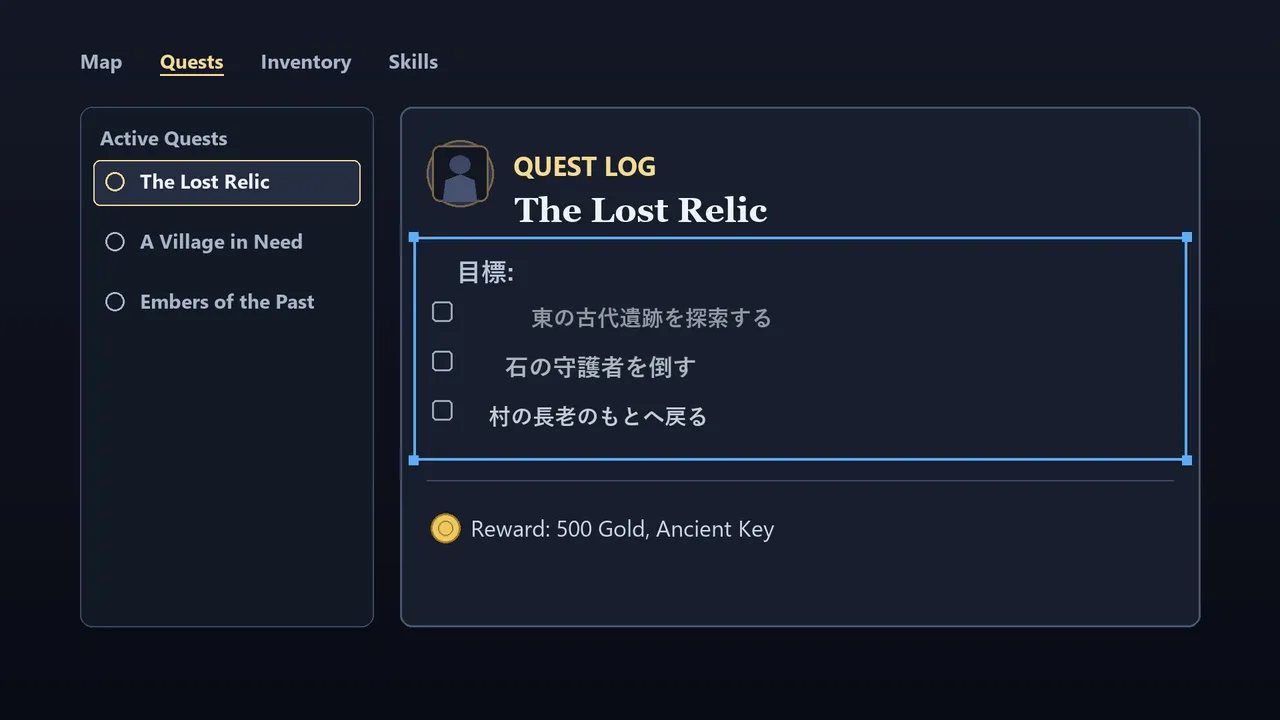
Game Overlay Translator is a real-time translation tool that reads text directly from your game screen and renders the translation over the original, without opening a separate window or breaking your focus. The release date for Game Overlay Translator is July 16, 2026 on PC. R.U Studio bundles an English-Japanese model with the software—no extra downloads needed, no internet required after installation, and no per-translation fees.
How it works and what it translates
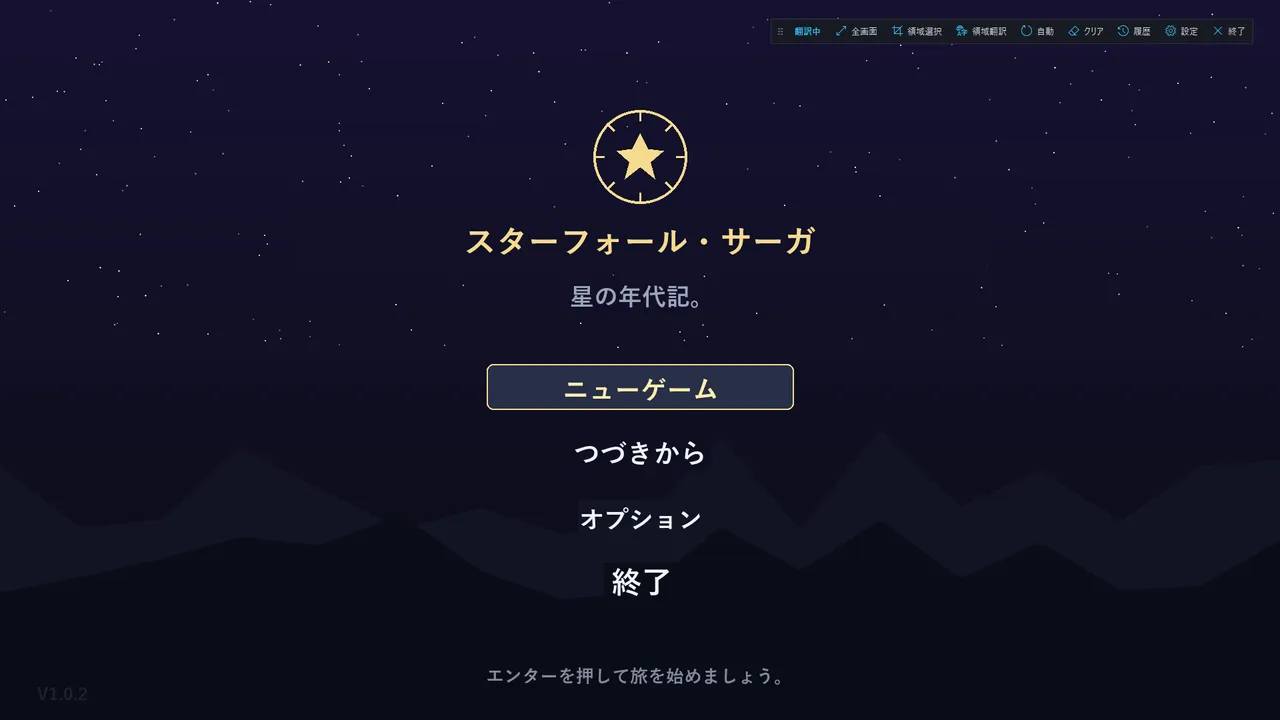
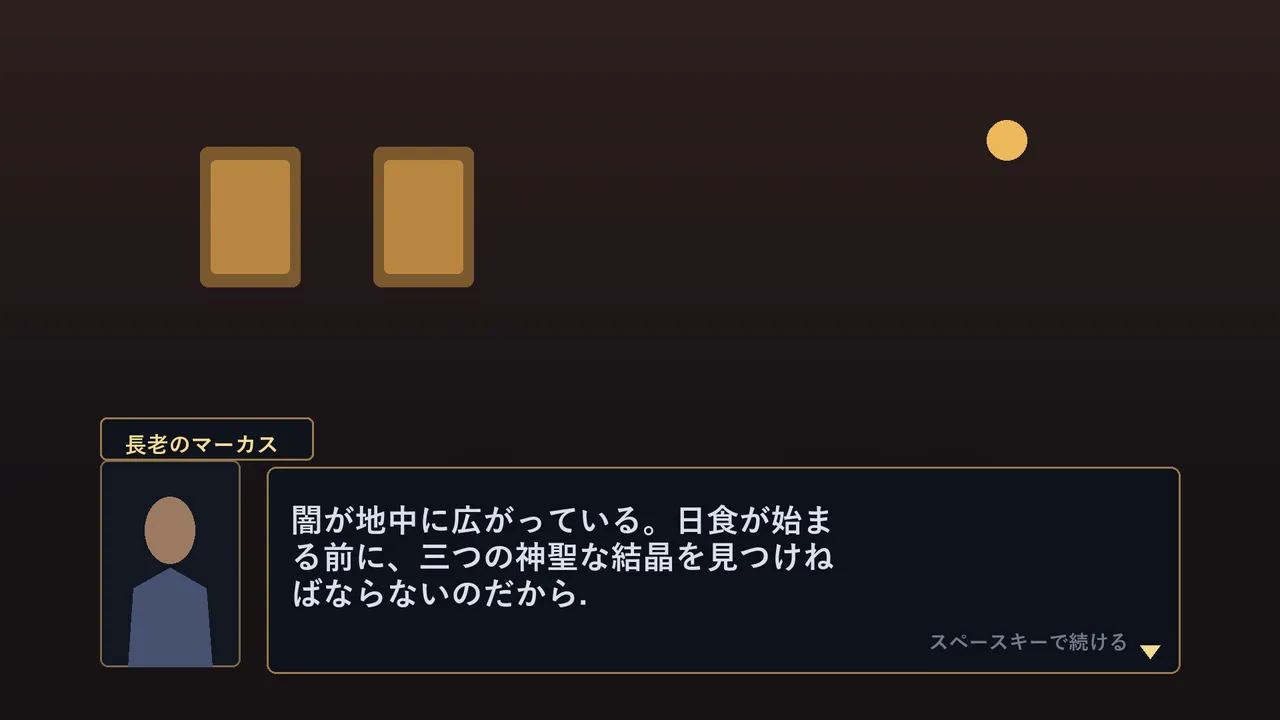
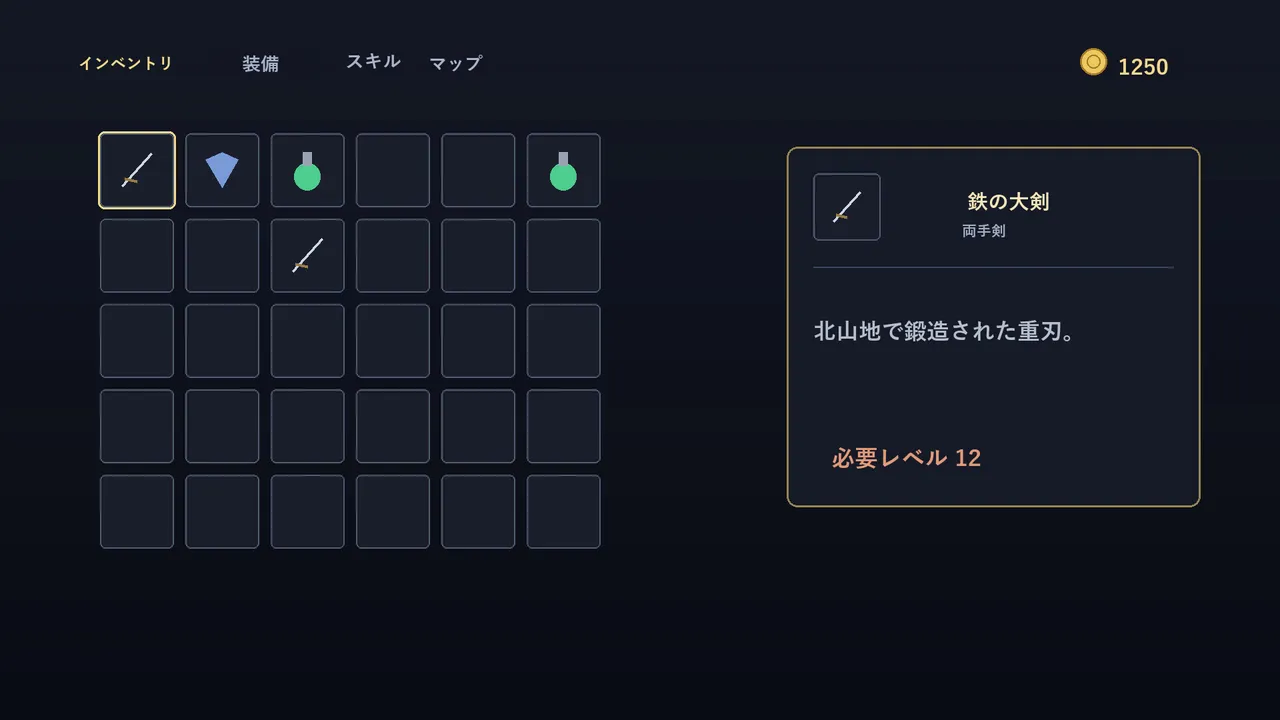
The tool works by recognising on-screen text and overlaying a translated version in the same position, keeping the game visible and playable underneath. You can toggle between the translation and the original with a single key, or use region mode to select a specific area of the screen—useful when you only need to understand a single dialogue box or menu section rather than translate the entire frame. A floating control bar gives one-click access to full-screen and region modes, auto-translation, history and settings without pausing the game.
The software targets players tackling games without official localisation—older titles, doujin games, indie releases, and niche titles where a translation layer doesn't exist. Understanding quest text, item descriptions, NPC dialogue and menus becomes possible mid-playthrough, rather than stopping to cross-reference a guide or alt-tab to a browser.
Customisation and offline capability
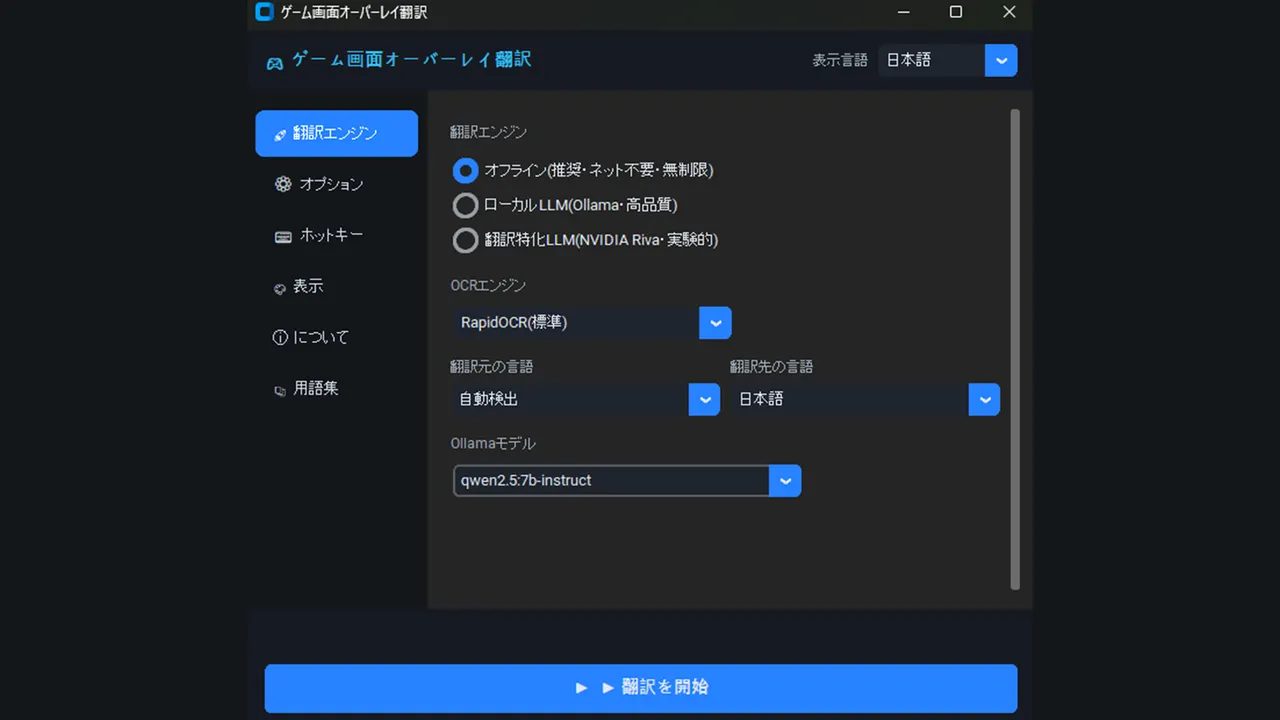
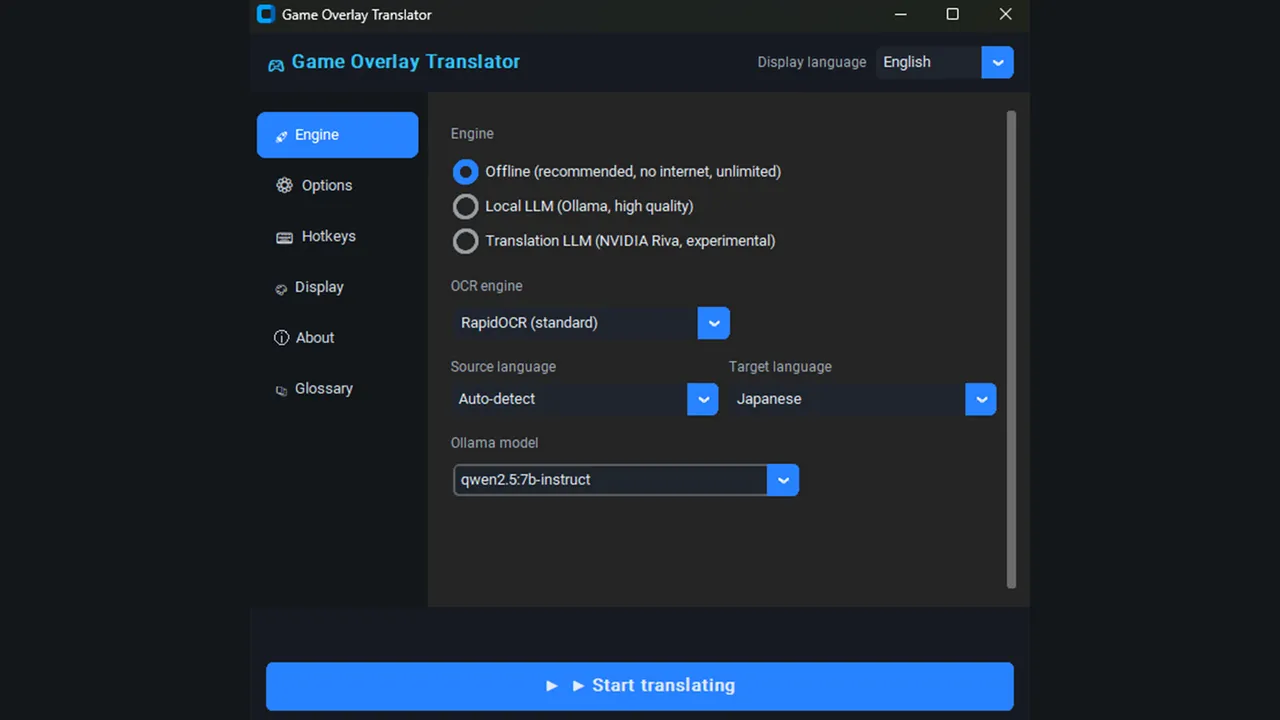
The core translation runs entirely offline using a local language model, with no subscription and unlimited translations per session. Display options let you adjust font size, colour, background opacity and selection-box colour to match your game's visual style or your preference. A glossary feature stores corrections for game-specific terms or character names, so repeated words translate consistently to the wording you choose rather than whatever the model suggests first.
An optional integration with Ollama—a local LLM running on your machine—allows more context-aware translation for complex or ambiguous sentences, though this is not required for basic operation. The user interface itself supports Japanese, English, Korean and Chinese.
If you frequently play untranslated or partially localised PC games and want to understand them without context-switching or external tools, this addresses a real friction point. Whether the English-Japanese model alone delivers the accuracy you need for your specific games is the practical question the release will answer.
System requirements
Minimum
- OS
- windows10 64bit
- Processor
- Intel Core i5 or Ryzen 5
- Memory
- 8 GB RAM
- Storage
- 1500 MB available space
Recommended
- OS
- windows11 64bit
- Processor
- Intel Core i7 or Ryzen 7
- Memory
- 16 GB RAM
- Graphics
- RTX3060
- Network
- Broadband Internet connection
- Storage
- 10 GB available space





No comments yet. Be the first to share your thoughts.