
Floating Ink VR
About Floating Ink VR
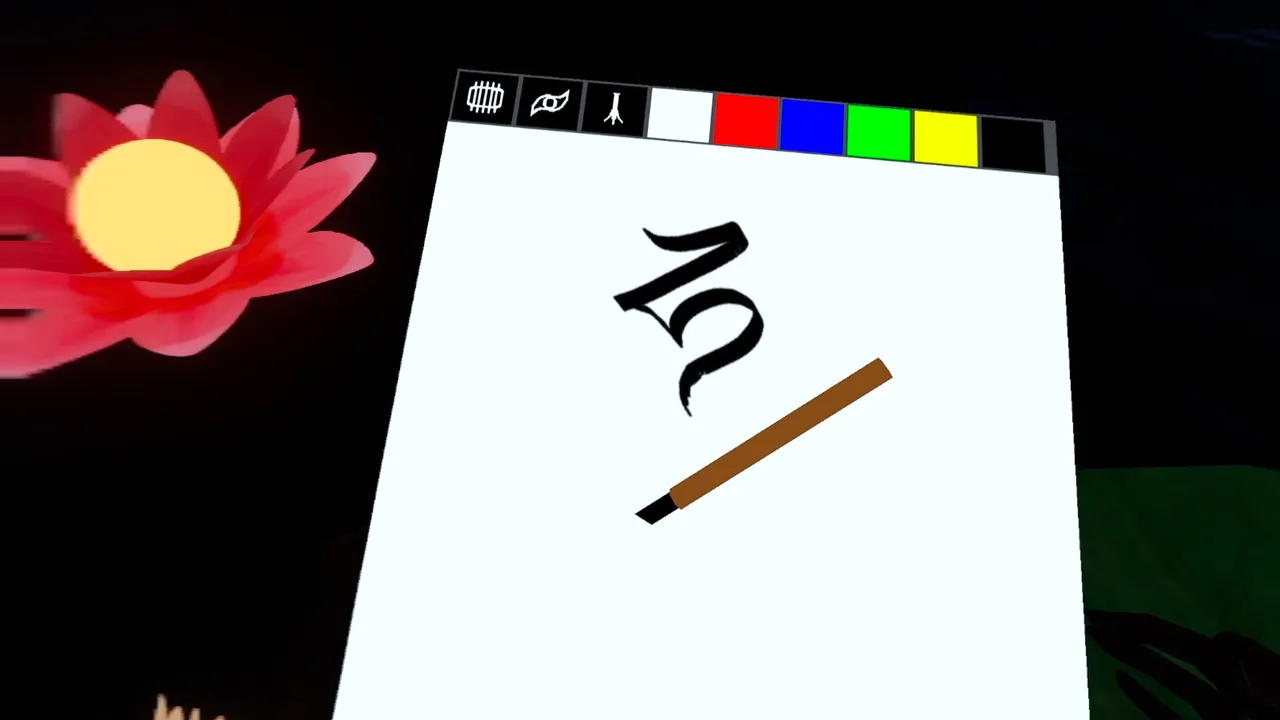
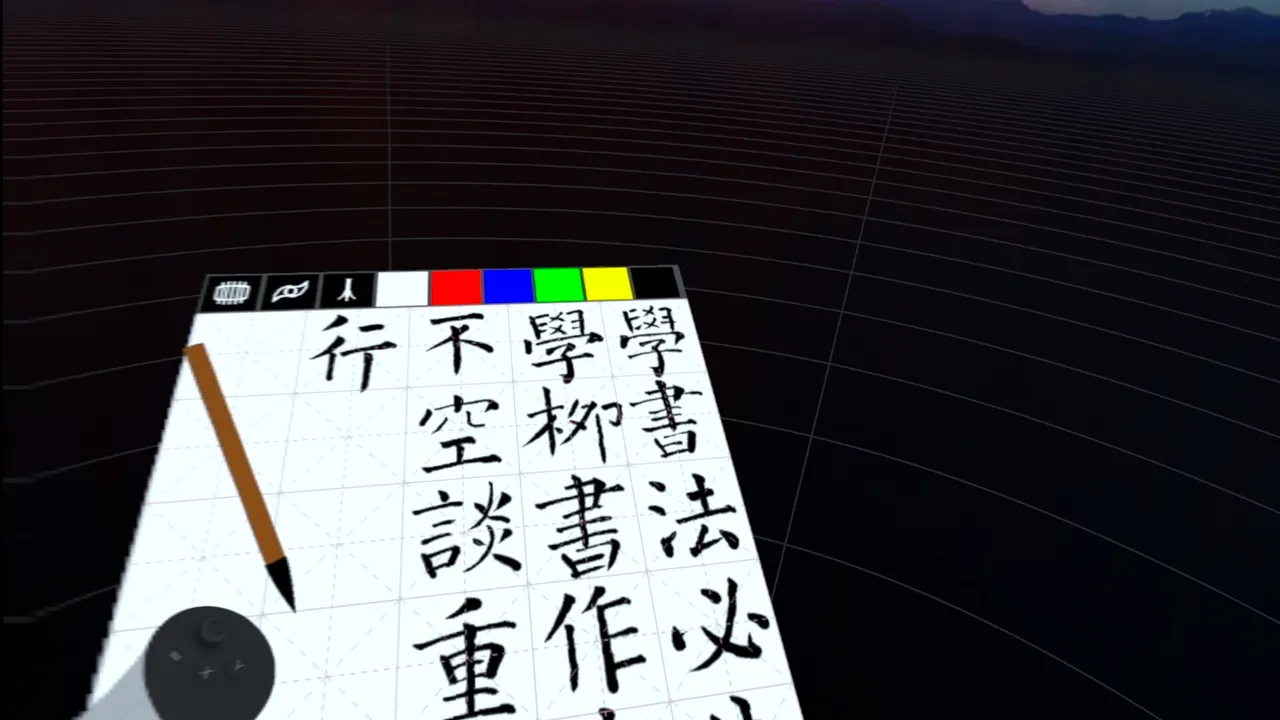
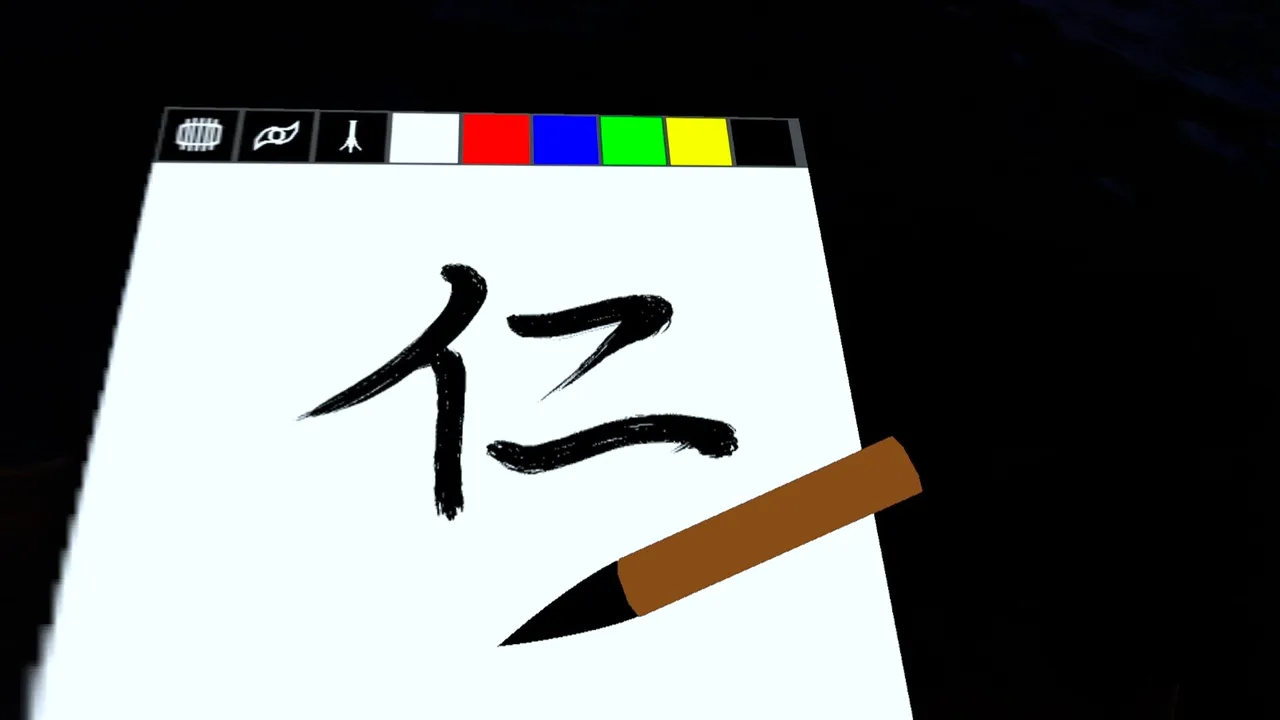
Floating Ink VR treats the VR controller not as a wand but as a real brush, simulating the exact cross-section of bristle or nib pressing through canvas as you paint. The release date for Floating Ink VR is July 16, 2026 on PC via SteamVR. What sets this tool apart from typical VR drawing apps is its commitment to physical accuracy: pressure and angle do not merely scale a stroke, they reshape it, the way a real brush deforms under load or a reed pen angle-cuts the paper. Wet ink does not freeze on contact—it spreads and diffuses across the canvas in real time, a feature the developer made adjustable so users can dial realism up or down depending on how they want to work.
How it shapes the VR creative workflow
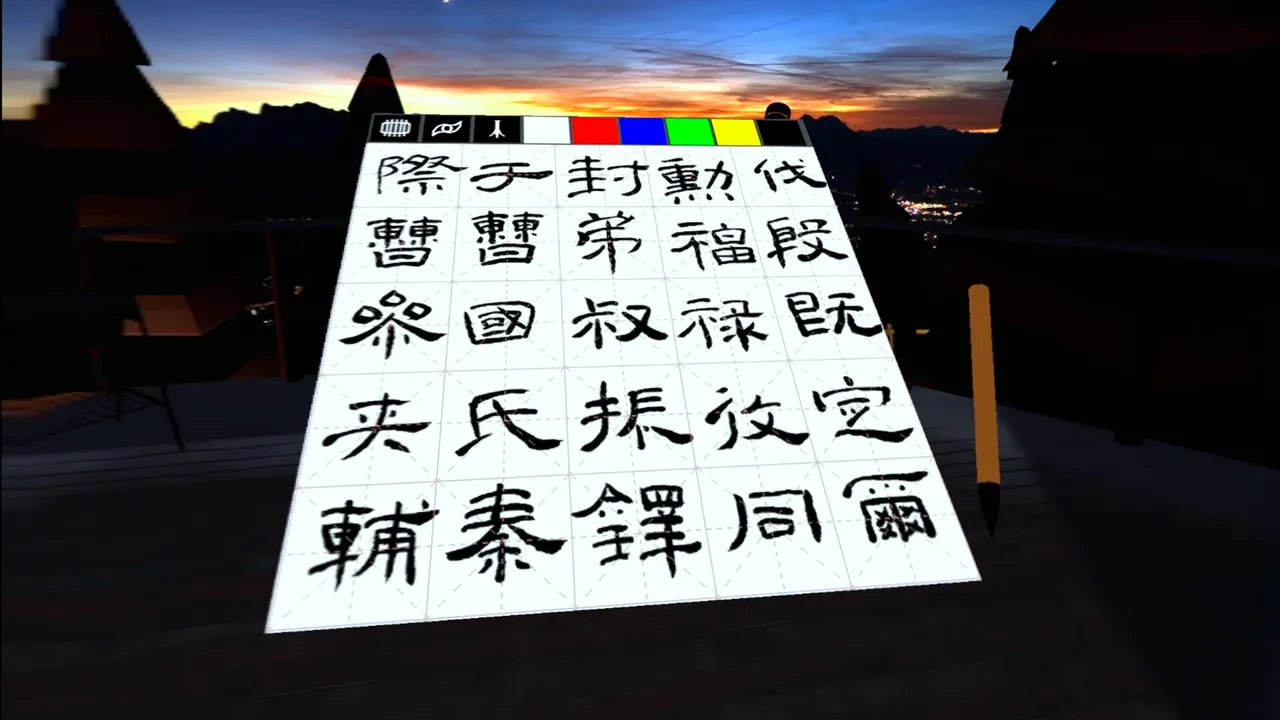
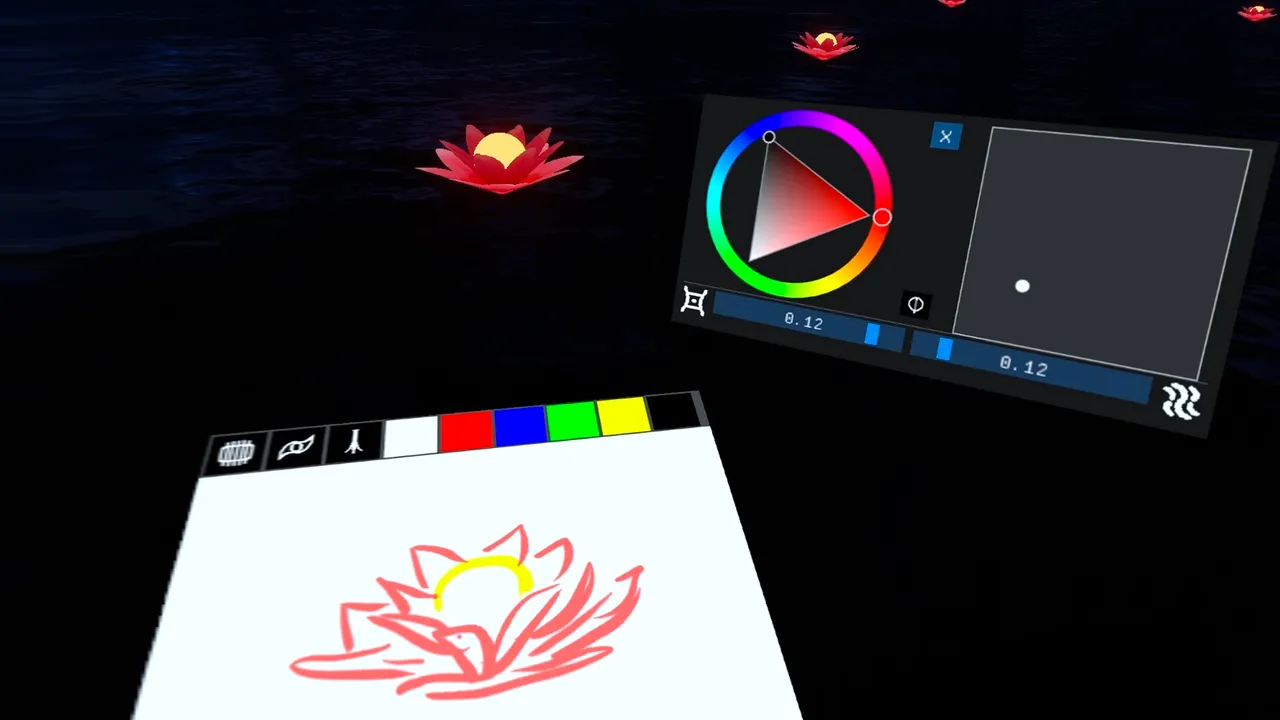
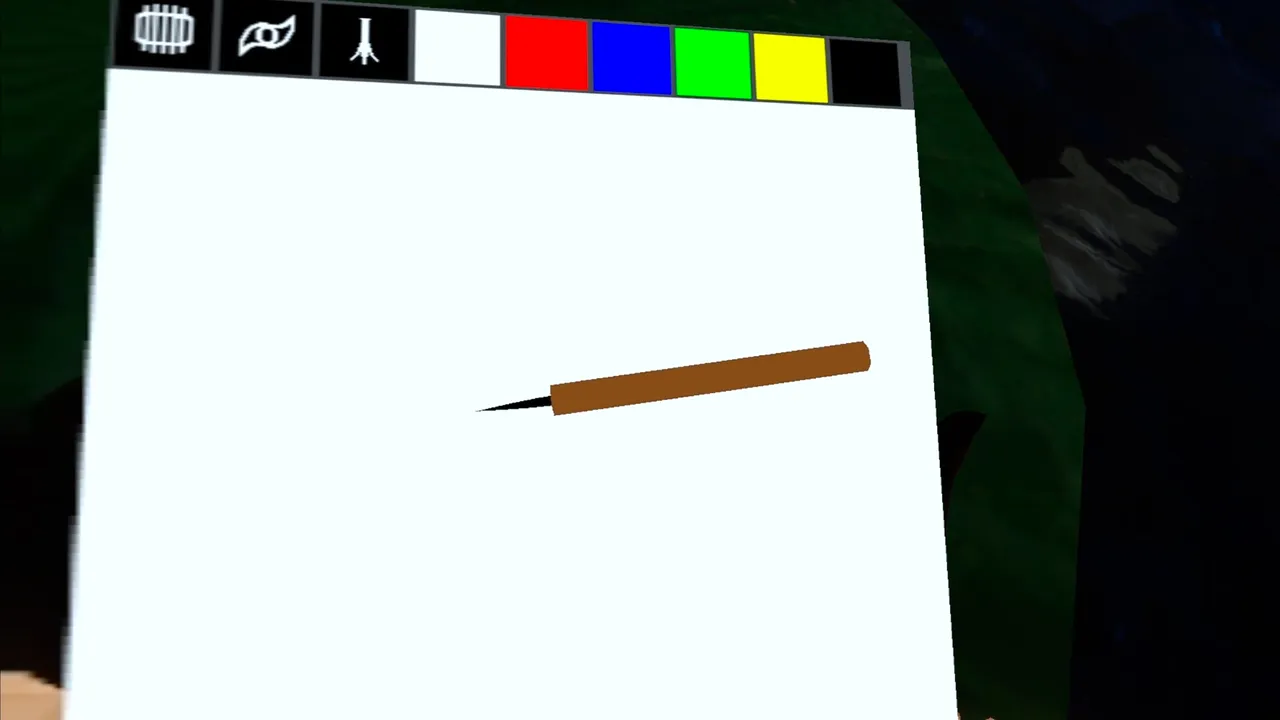
The design choice to build this as an overlay rather than a standalone app is the quiet power move here. Instead of launching into an isolated painting environment, you can open Floating Ink VR on top of SteamVR Home, inside another VR application, or over the background grid—turn it into a sketchpad while you sculpt in Medium, or a note-taking canvas during a VR meeting. That overlay approach keeps latency near-invisible, which matters because brush feel depends on instant hand-to-stroke feedback. Two interchangeable tips (a soft round bristle and a rigid chisel pen) cover the two broad strokes of traditional mark-making, and toggleable grids let users practice structured calligraphy or freeform painting from the same tool.
What remains unproven
Whether pressure sensitivity and physics simulation feel responsive enough in practice is the open question. VR painting has historically struggled with latency between hand and stroke and with brush behaviour that feels neither too stiff nor too mushy—tools like Quill and Tilt Brush solved this partly through stylisation, trading realism for snappy, predicable feel. Floating Ink VR gambles on the opposite bet, that physical simulation will feel right because it models the actual physics. That is a bold choice that could land perfectly or could create lag-like perception if the simulation runs a frame or two behind input. The release date approach—a focused tool rather than a full-featured 3D painting suite—suggests the developer is betting depth over breadth, which suits a physics-forward design.
For anyone serious about traditional painting or calligraphy who owns a VR headset, this is a tool worth trying. For casual doodlers or those who prefer stylised, lag-free strokes, wait for user reports after the release date to see whether the simulation pays off in practice.
Features
System requirements
Minimum
- DirectX
- Version 11
- Storage
- 5 MB available space
- VR Support
- SteamVR


No comments yet. Be the first to share your thoughts.